Two free Kontakt Player collections for sketches, scores and sound design.
The Free Orchestra: 14 cinematic colours
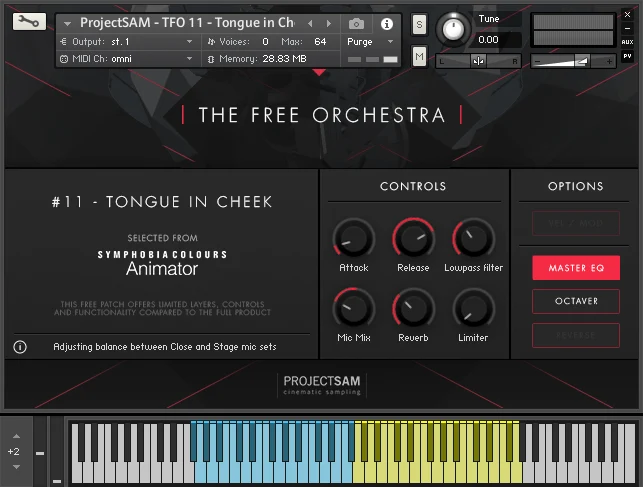
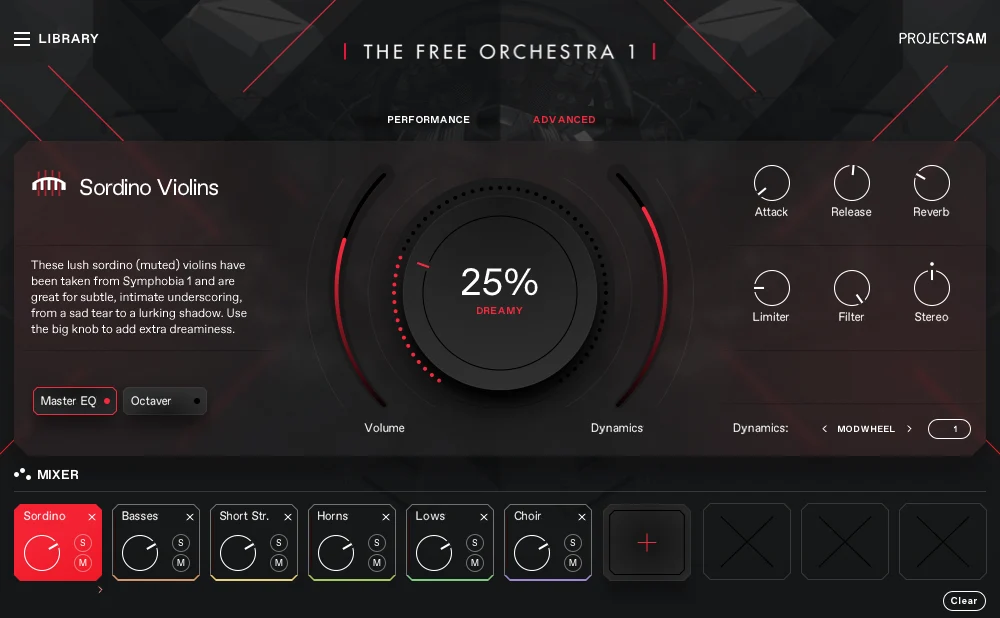
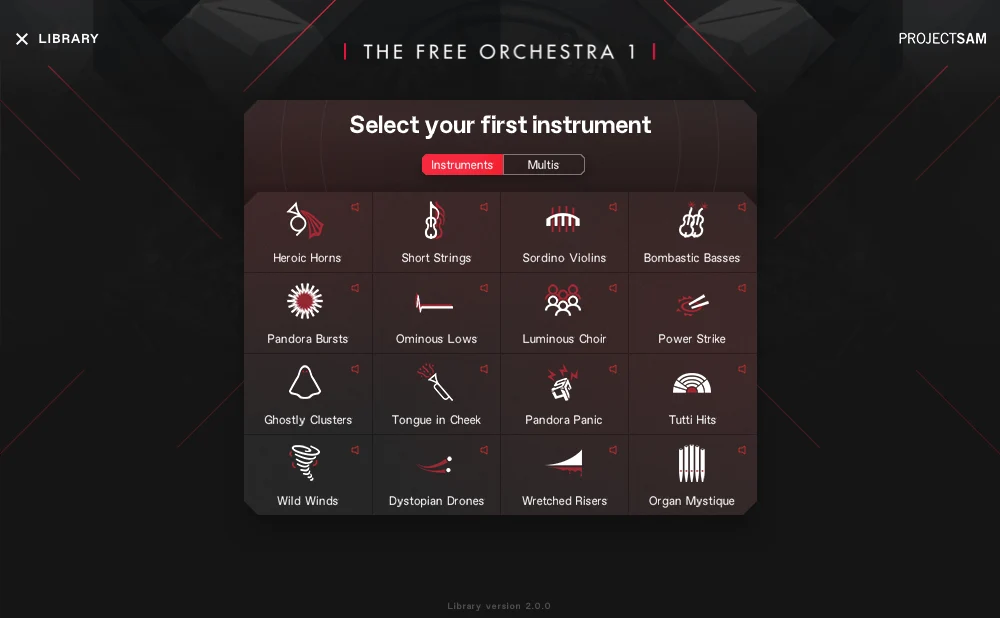
ProjectSAM brings together 14 instruments from its catalogue in a 1.8 GB collection. Short Strings, Tongue in Cheek and Pandora Bursts illustrate its expressive, evocative approach. This is not an exhaustive orchestra covering every section and articulation, but a palette of characterful sounds.
The Free Orchestra 2: 12 additional instruments
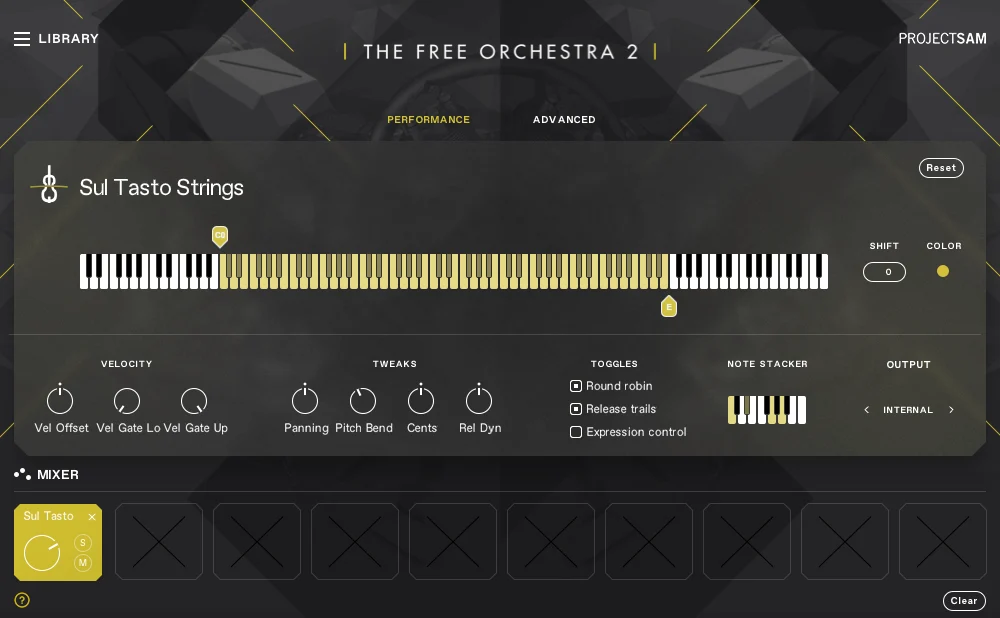
The second volume adds 12 instruments and occupies 8.6 GB. Warm Ensemble, Melodic Percussion, Sul Tasto Strings and Film Noir offer different directions. Combine a darker texture from volume one with softer strings or melodic percussion from volume two without crowding the registers.
Kontakt Player and synchronisation
ProjectSAM lists Kontakt 6.6 as the reference minimum; the libraries work in Kontakt Player without buying full Kontakt. NKS and Adaptive Sync support the use of certain evolving sounds. Align crescendos with the edit rather than letting a preset dictate the musical duration.
Using the libraries in a score
Start with a motif or colour, then build a progression through orchestration and contrast. Pair these libraries with a more conventional orchestral collection such as Berlin Free Orchestra. Download each volume from ProjectSAM and follow the Native Access and Kontakt instructions; check disk space and player compatibility.
Frequently asked questions
Is it free or a timed trial?
The editions discussed here are offered free of charge. Check the developer’s download terms and technical requirements.
What should I check before installing?
Check your operating system, your DAW’s supported formats and any required account or player.
Video overview
Direct access to the developer: downloads, compatibility and documentation.
 STUDIO 2.0 · ONE-TO-ONE TRAININGA different approach to composing for picture.Personalised, one-to-one training in a working studio specialising in music and sound for picture.ONE-TO-ONE TRAININGEXPLORE THE COMPOSER TRAINING