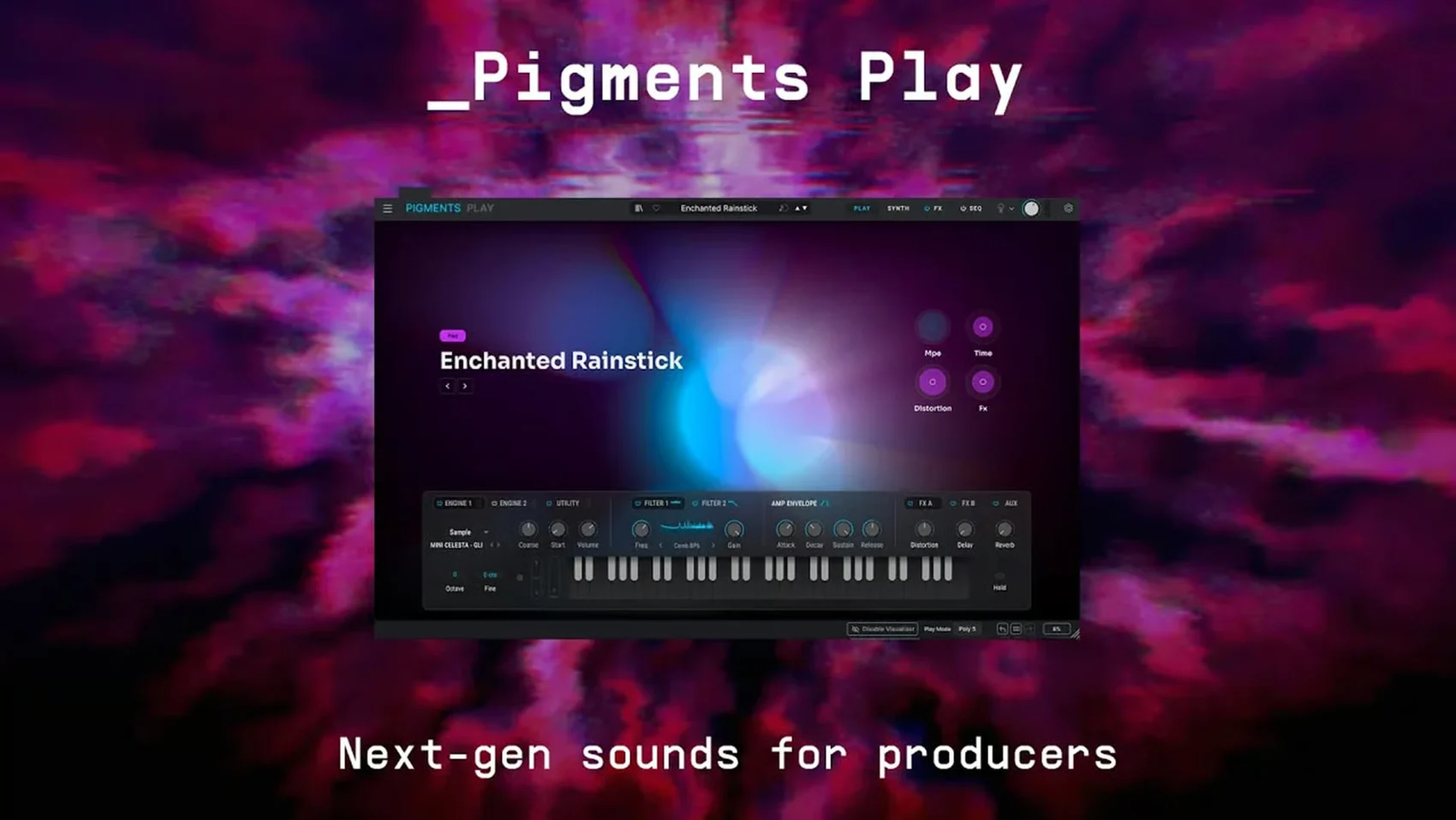
Explore 100 presets, six synthesis families and immediate controls for basses, pads and textures without buying Pigments.
An introduction to Pigments
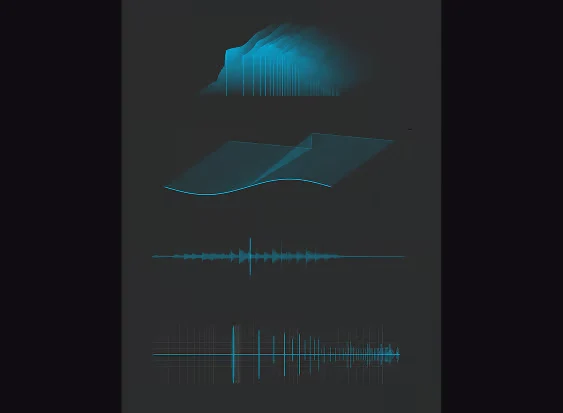
Pigments Play brings the character of Pigments into a deliberately streamlined instrument. Its 100 starting sounds cover basses, leads, sequences, keys and pads. Modal, granular, wavetable, sample, harmonic and virtual analogue synthesis contribute to the palette, but the free edition does not provide the full synth’s deep engine editing.
Four macros for expressive playing
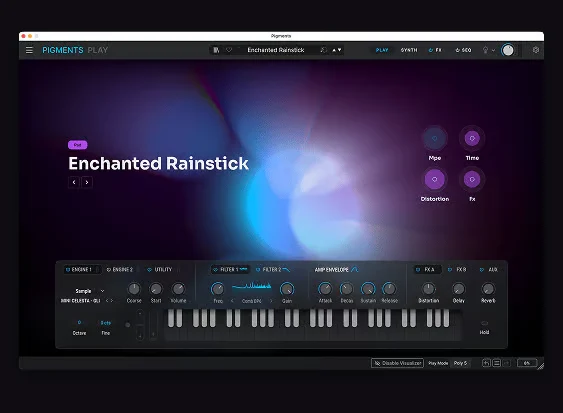
Brightness, Timbre, Time and Movement reshape presets without building a modulation matrix. Two modulation effects, delay and reverb complement the controls. Try automating Movement across eight bars and opening Brightness as the chorus enters: the arrangement can grow without adding another track.
Music production and scoring
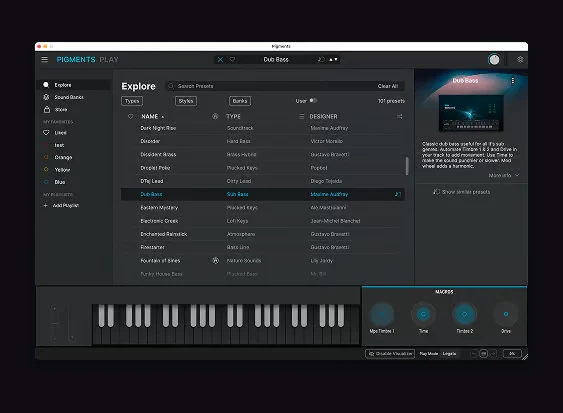
An evolving pad can colour a scene; an arpeggio or bass can supply a rhythmic motif. The browser and Sound Store make exploration straightforward, although some additional sound banks are paid. Start with the included sounds and judge their place in the arrangement before layering more tracks.
Installation and limitations
Arturia lists standalone operation and VST, AU and AAX formats depending on platform. Download the free edition from the developer, install it and check your DAW’s instrument list. For building patches from scratch and detailed modulation, compare the full version of Pigments.
Frequently asked questions
Is it free or a timed trial?
The editions discussed here are offered free of charge. Check the developer’s download terms and technical requirements.
What should I check before installing?
Check your operating system, your DAW’s supported formats and any required account or player.
Video overview
Direct access to the developer: downloads, compatibility and documentation.
 STUDIO 2.0 · MUSIC PRODUCTIONDevelop your own production workflow.Practical, individual guidance to improve your artistic decisions, sound and production techniques.ONE-TO-ONE TRAININGEXPLORE PRODUCTION TRAINING