A scoring foundation with 34 instruments, 67 articulations and the free SINEplayer.
An introduction to the Berlin range
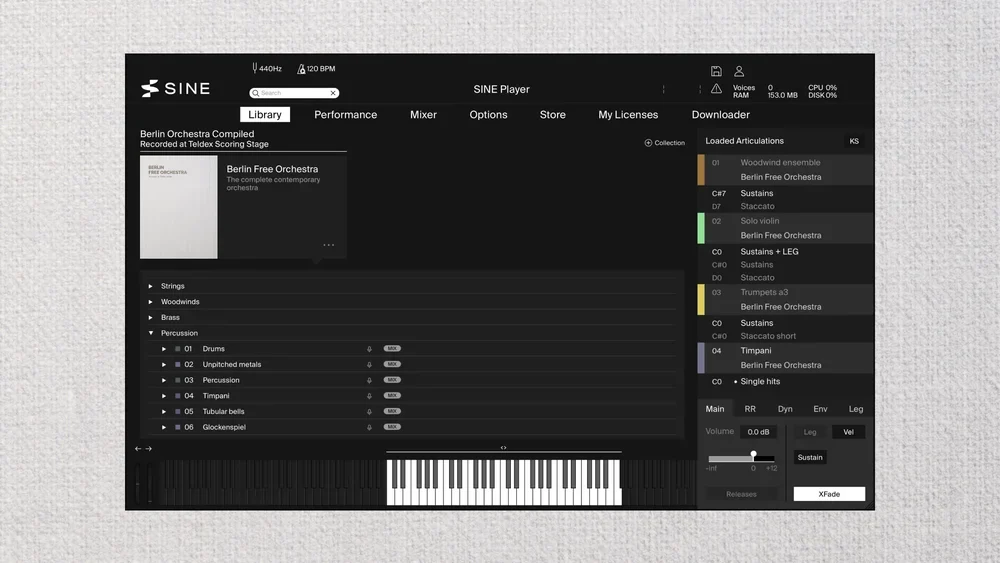
Berlin Free Orchestra offers a contemporary orchestra for computer-based orchestration. The official comparison lists 34 instruments, 67 articulations, four legatos, up to two dynamic layers and two round robins, and one microphone position. Disk usage is around 3 GB compressed, from 6.5 GB of uncompressed samples.
Writing with orchestral families
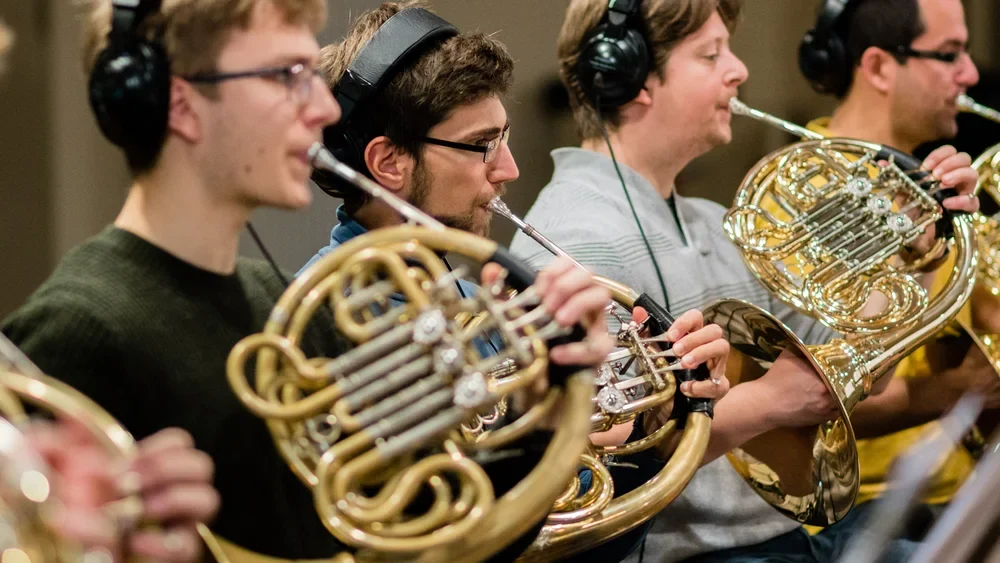
Organise strings, woodwinds, brass and percussion in separate groups. Sustained and short articulations serve different roles; choose them to suit the phrase. For an intimate scene, try a woodwind motif over restrained strings; for a dramatic build, gradually add doublings rather than merely increasing volume.
SINEplayer, Layers and SINEfactory
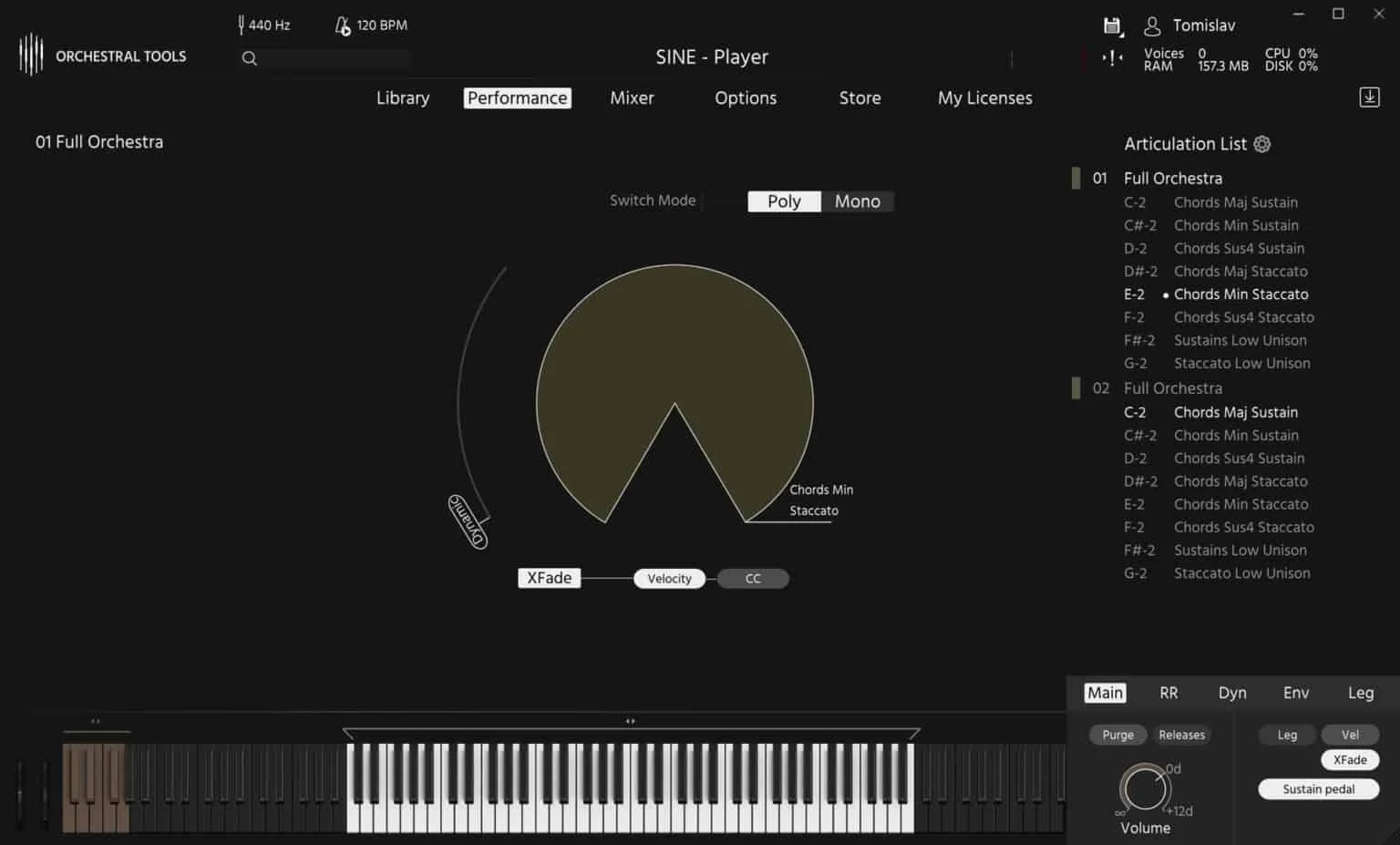
The library uses the free SINEplayer. Orchestral Tools also offers Layers and SINEfactory instruments to complement the palette. These are distinct products, not part of Berlin Free Orchestra itself. Build a manageable template with clearly named tracks and consistent levels.
What the free edition cannot replace

Higher Berlin editions provide more articulations, dynamics, mic positions and variations. Start with the free library for sketches and orchestration practice; for exposed transitions, audition the legatos and repeated notes. Create an Orchestral Tools account, install SINE and download the collection from the official page.
Frequently asked questions
Is it free or a timed trial?
The editions discussed here are offered free of charge. Check the developer’s download terms and technical requirements.
What should I check before installing?
Check your operating system, your DAW’s supported formats and any required account or player.
Video overview
Direct access to the developer: downloads, compatibility and documentation.
 STUDIO 2.0 · ONE-TO-ONE TRAININGA different approach to composing for picture.Personalised, one-to-one training in a working studio specialising in music and sound for picture.ONE-TO-ONE TRAININGEXPLORE THE COMPOSER TRAINING