A preset-based instrument for pianos, organs, classic and modern synths in a playing-focused interface.
A sound library rather than a programming synth
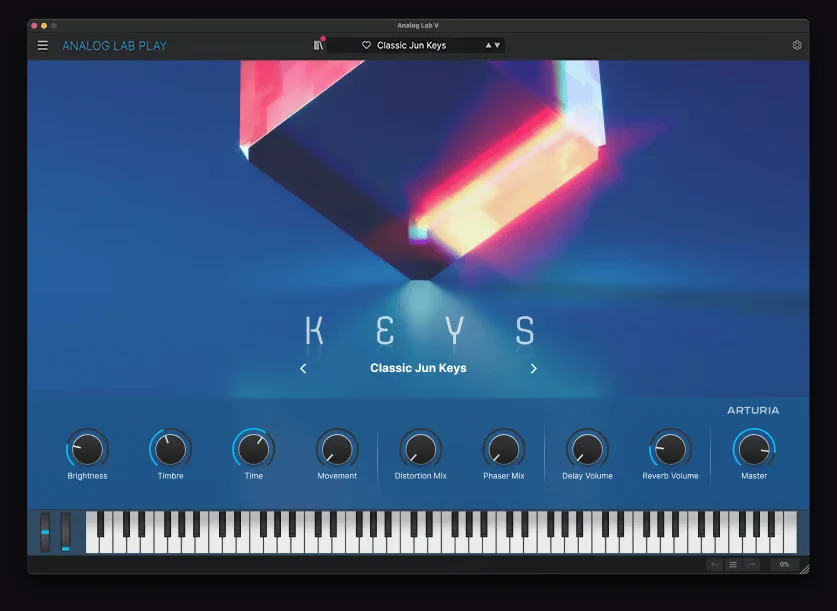
Analog Lab Play collects 100 sounds from Arturia’s instrument universe: pianos, organs, basses, synthetic strings and vintage keys. Unlike Pigments Play, the main attraction is the variety of instrument families. Ready-to-play presets and quick controls let you shape their character.
Build an arrangement without distractions
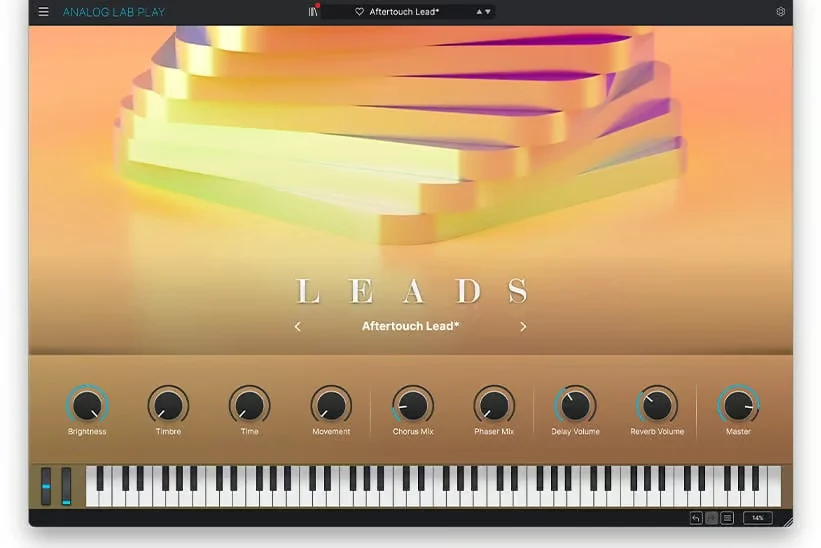
Choose a piano or organ for chords, a bass to anchor the rhythm and a restrained pad for the background. Macros simplify changes during performance. Compare sounds at matched levels; a brighter preset is not necessarily the right one for a vocal.
Play, Intro and Pro
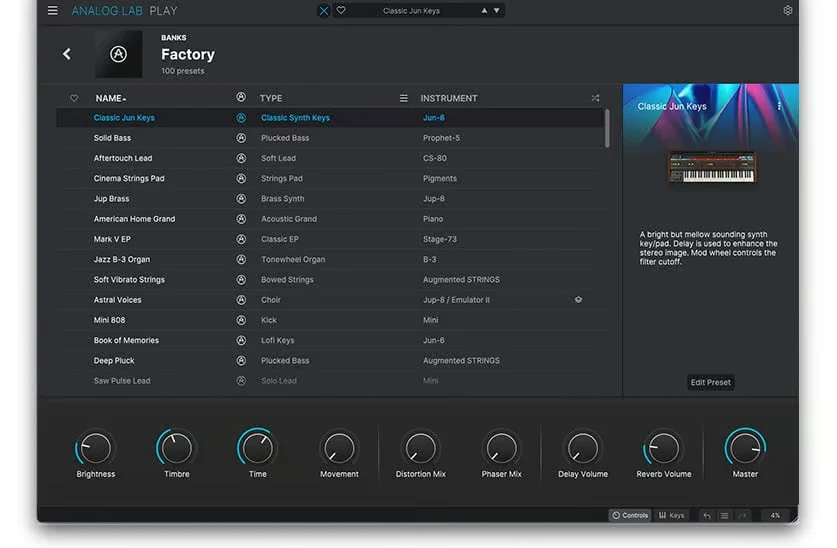
Play provides 100 presets and basic browsing; Intro offers 500 and Pro over 2,000 according to Arturia’s comparison. Advanced editing, multis and stage functions depend on the edition and owned instruments. Buying additional banks is not necessary to get started.
Installation and studio use
Use the official Analog Lab Play page, create an Arturia account and install the instrument. The library requires around 4 GB or more of space. Check the available formats and supported operating systems for your setup; the free edition is particularly useful for sketching and harmony.
Frequently asked questions
Is it free or a timed trial?
The editions discussed here are offered free of charge. Check the developer’s download terms and technical requirements.
What should I check before installing?
Check your operating system, your DAW’s supported formats and any required account or player.
Video overview
Direct access to the developer: downloads, compatibility and documentation.
 STUDIO 2.0 · MUSIC PRODUCTIONDevelop your own production workflow.Practical, individual guidance to improve your artistic decisions, sound and production techniques.ONE-TO-ONE TRAININGEXPLORE PRODUCTION TRAINING