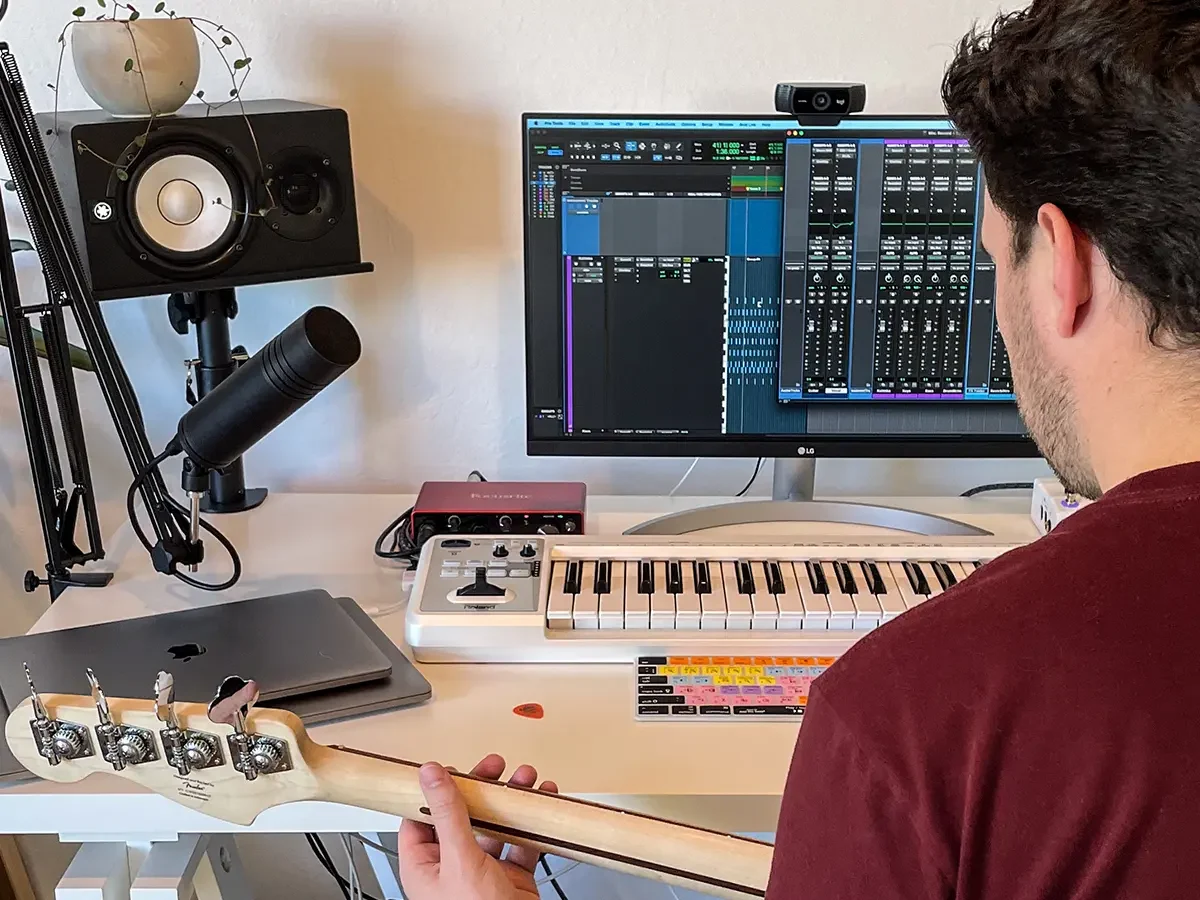
Explore Avid’s free Pro Tools edition, audio and MIDI tools, AAX plug-ins and practical limitations.
A real production environment
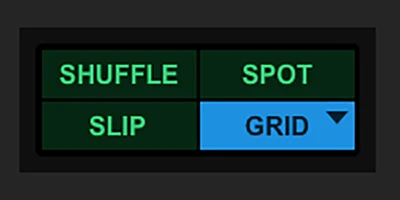
Pro Tools Intro lets you record, edit, arrange and mix in the same working environment as the professional editions. Avid advertises 36 included effects and instruments. The eight audio, eight instrument and eight MIDI track limits suit small sessions and are ample for learning the fundamentals.
Essential recording and editing tools
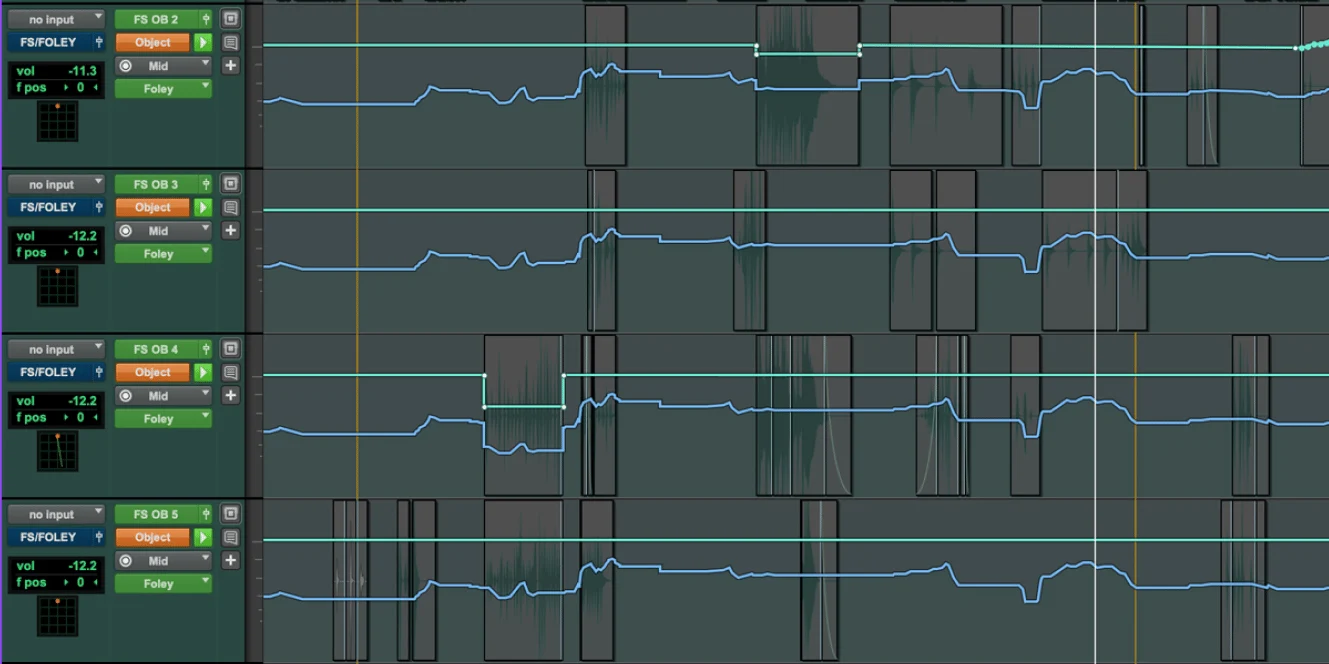
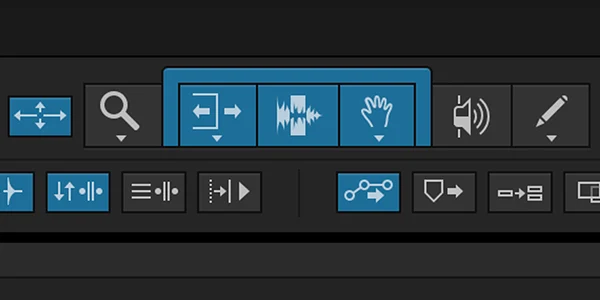
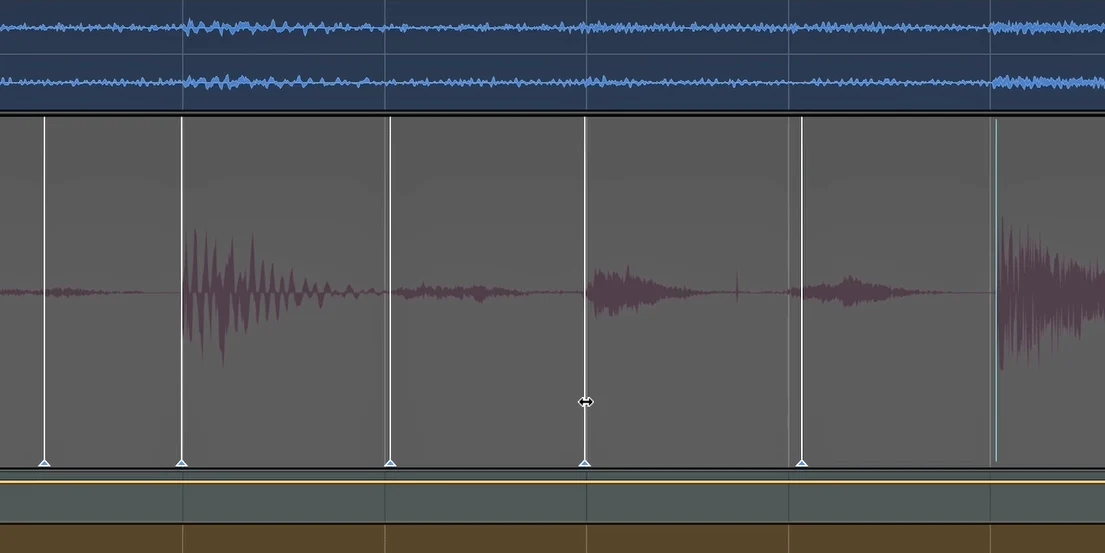
Edit modes and the Smart Tool help cut, move and trim clips. Playlists allow take comparison and Elastic Audio offers timing tools. Work on session copies and learn to name tracks, organise audio files and create clean fades. Some Avid illustrations also show paid-edition features: check the comparison before building a workflow.
Useful mixing plug-ins
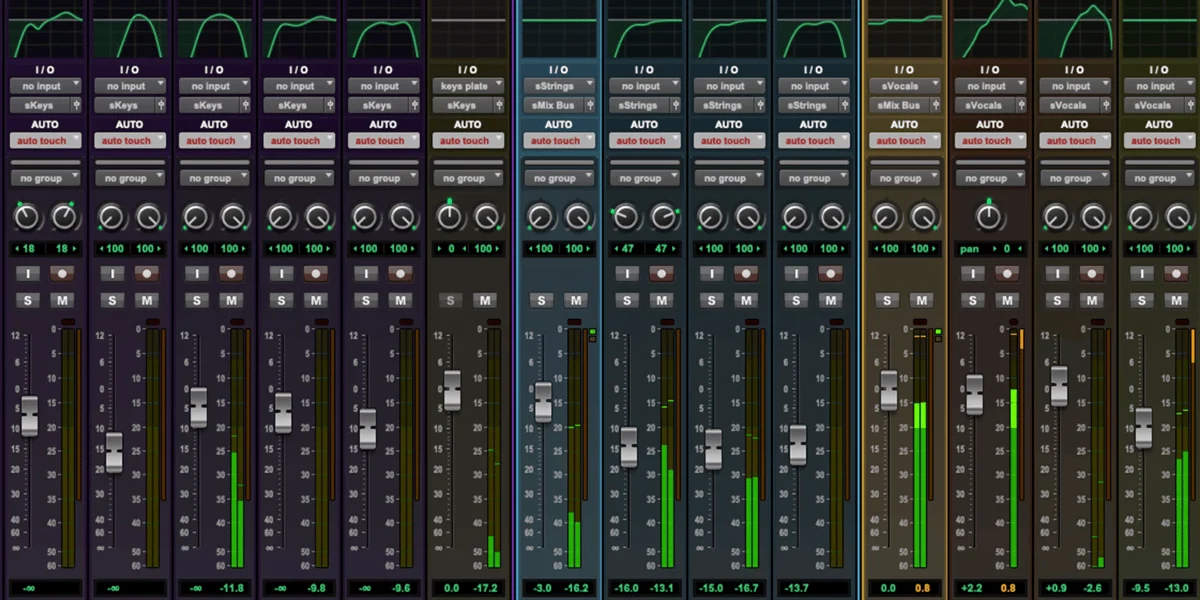
BF-76, Channel Strip, EQ III, Dynamics III, D-Verb, Mod Delay and SansAmp PSA-1 provide a strong starting point. Available instruments and extensions can change: consult Avid’s current inclusion list when installing. Pro Tools uses AAX; VST and AU plug-ins cannot load directly. Start with judicious EQ, moderate compression and a shared reverb auxiliary.
Getting started and knowing when to upgrade
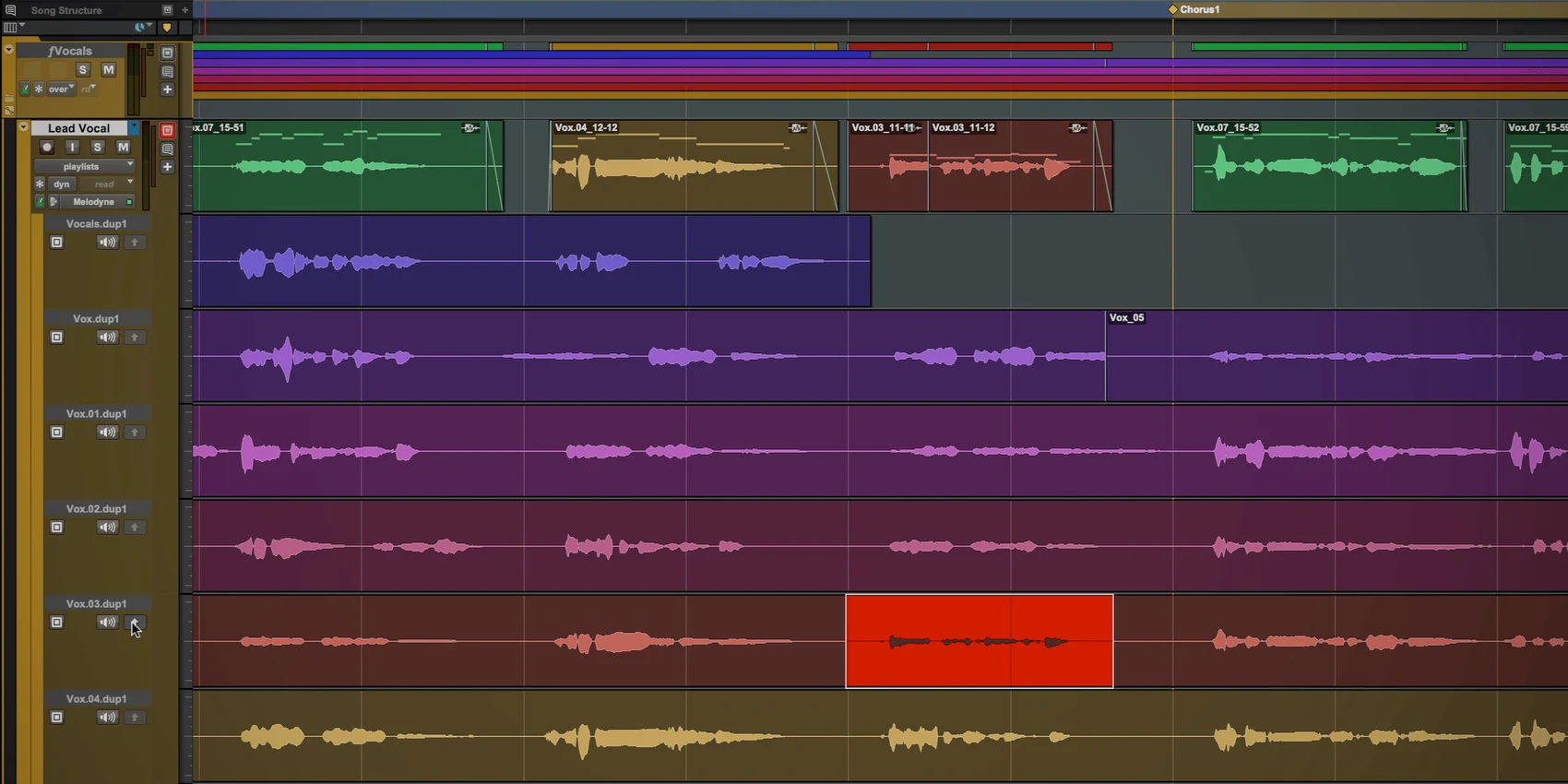
Create an Avid account, install Intro and the offered components, then select your audio device. Save a local session, record and check playback. Large sessions can exceed track limits: use a copy or stems instead of opening a complex production unprepared. Advanced post-production, surround and Dolby Atmos require other editions and workflows.
Frequently asked questions
Is it free or a timed trial?
The editions discussed here are offered free of charge. Check the developer’s download terms and technical requirements.
What should I check before installing?
Check your operating system, your DAW’s supported formats and any required account or player.
Explore interactive Pro Tools shortcuts ↗
Video overview
Direct access to the developer: downloads, compatibility and documentation.
 STUDIO 2.0 · MUSIC PRODUCTIONDevelop your own production workflow.Practical, individual guidance to improve your artistic decisions, sound and production techniques.ONE-TO-ONE TRAININGEXPLORE PRODUCTION TRAINING