Multitrack vocal alignment, SmartAlign and natural performances: why Synchro Arts VocAlign remains part of our studio workflow. We explore the tools, production choices and practical implications behind this announcement, with a focus on what matters in a real studio.
Doubling a vocal takes more than recording twice
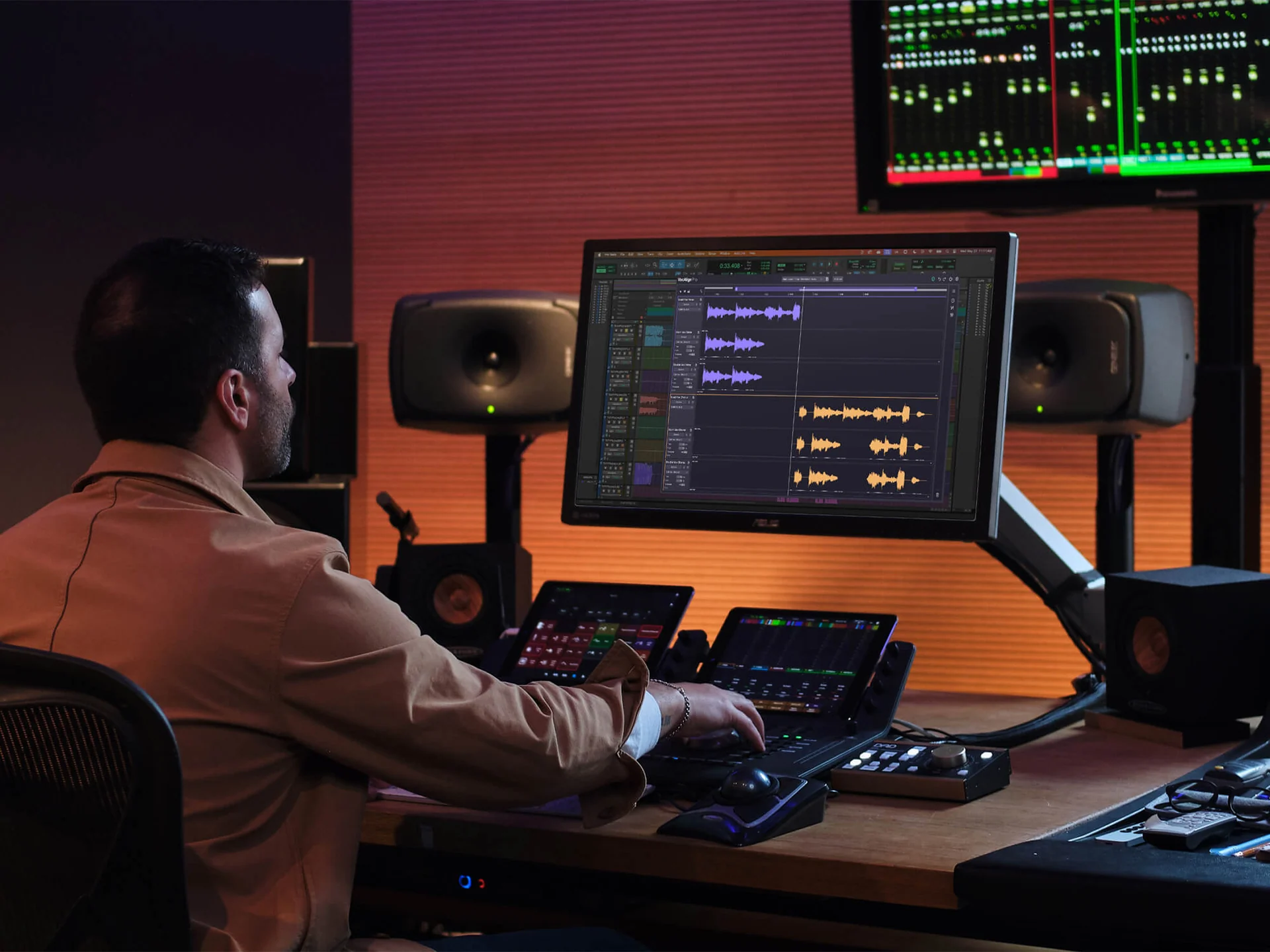
Good vocal doubles add depth, width and emotion. When consonants, phrase endings and attacks are too far apart, that extra layer becomes distracting. Aligning many takes manually can consume hours in a dense session. VocAlign helps bring backing vocals closer to a guide performance while preserving the individual character of each take.
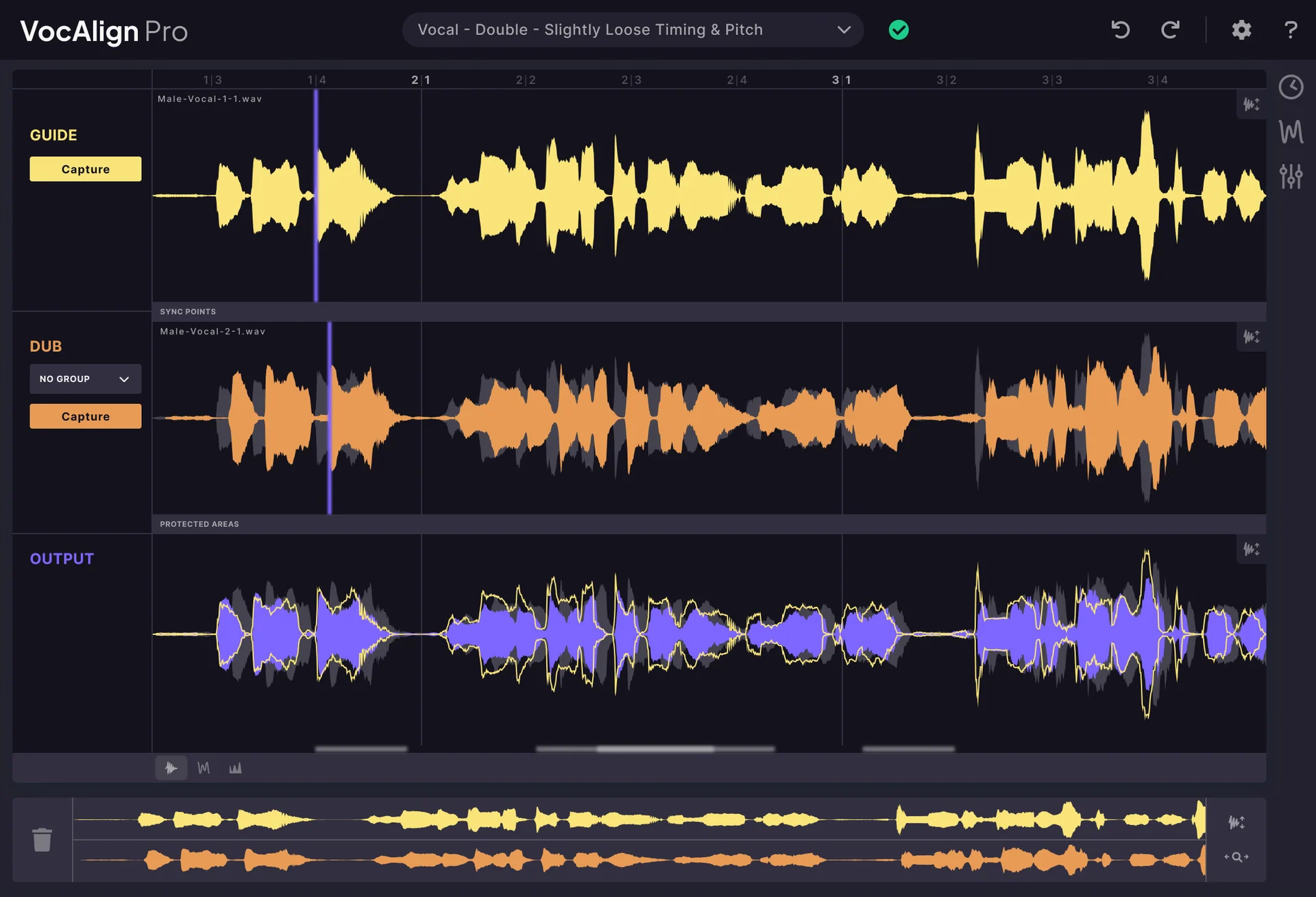
VocAlign 7 brings multitrack workflow improvements
The key development is a workflow that displays and processes several vocal layers together. Guide and dub tracks can be compared more easily, and SmartAlign helps manage timing. Advanced tools can also address pitch relationships. This is particularly useful for stacked pop vocals, advertising sessions and projects with frequent revisions.
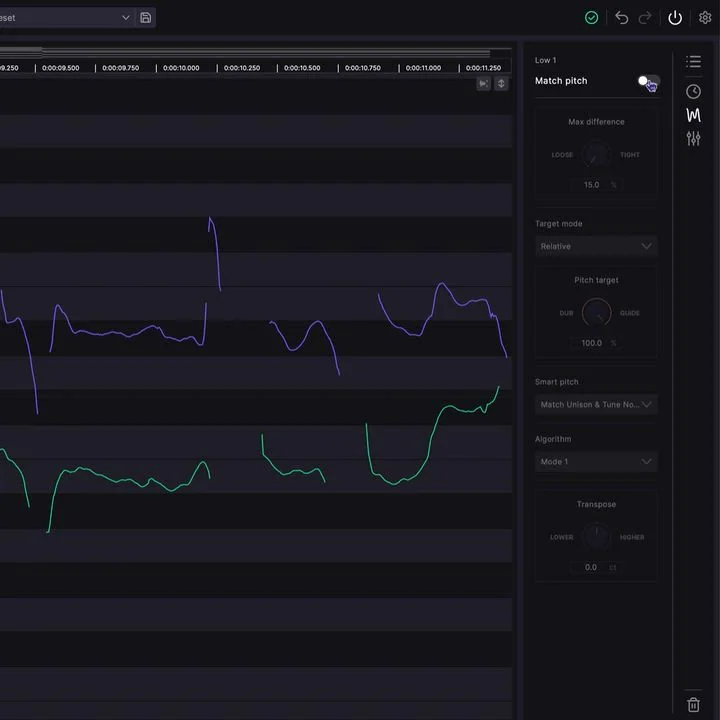
Still a trusted reference despite competing tools
Automatic vocal alignment is no longer unique to one application. Nevertheless, our long experience with VocAlign at Studio 2.0 has made it a dependable part of the production toolkit. The value is not a perfectly mathematical match but a controlled, repeatable result that leaves the engineer free to focus on musical choices.
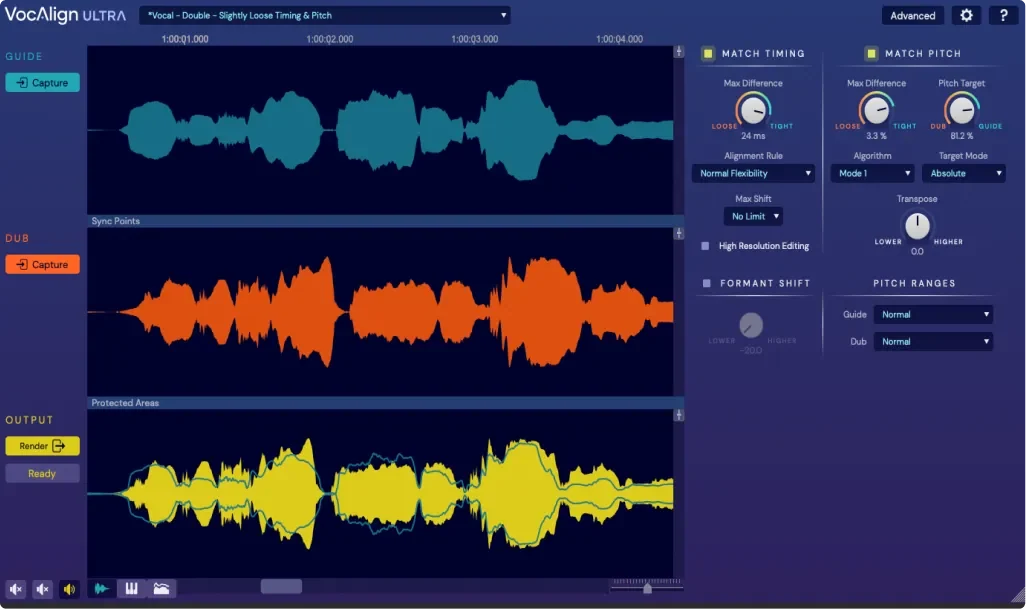
Aligning without removing the life from a performance
Begin with a strong guide take, then apply alignment according to the musical role of each layer. A tightly doubled chorus may require different settings from a wide harmony or a choir-like texture. Small human differences are sometimes precisely what makes a recording moving. Editing should support the performance rather than erase its expression.
Official sources and information
Editorial analysis by Studio 2.0, based on the manufacturer’s published information and official imagery. Product specifications and availability should be checked on the manufacturer’s website.
View official source ↗ STUDIO 2.0 · VOCAL PRODUCTIONFrom vocal recording to finished production.Individual coaching on voice recording, vocal direction and production in a real studio.DISCOVER VOCAL PRODUCTION TRAINING