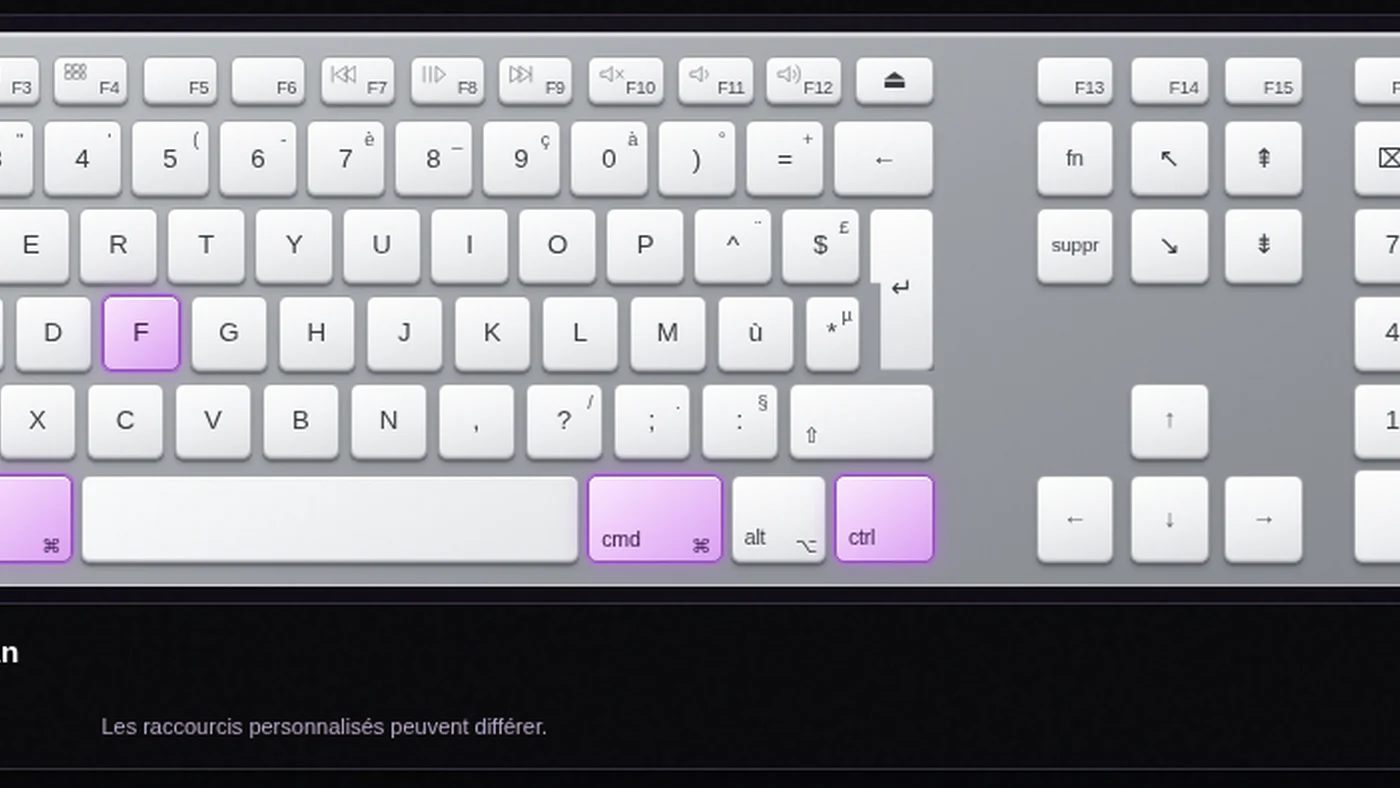
Keyboard shortcuts can transform the way you work. Learning them is another matter. We built a tool that starts with the task: select a command, see its keys light up, and understand the function behind the shortcut.
From shortcut to function: learn by exploring
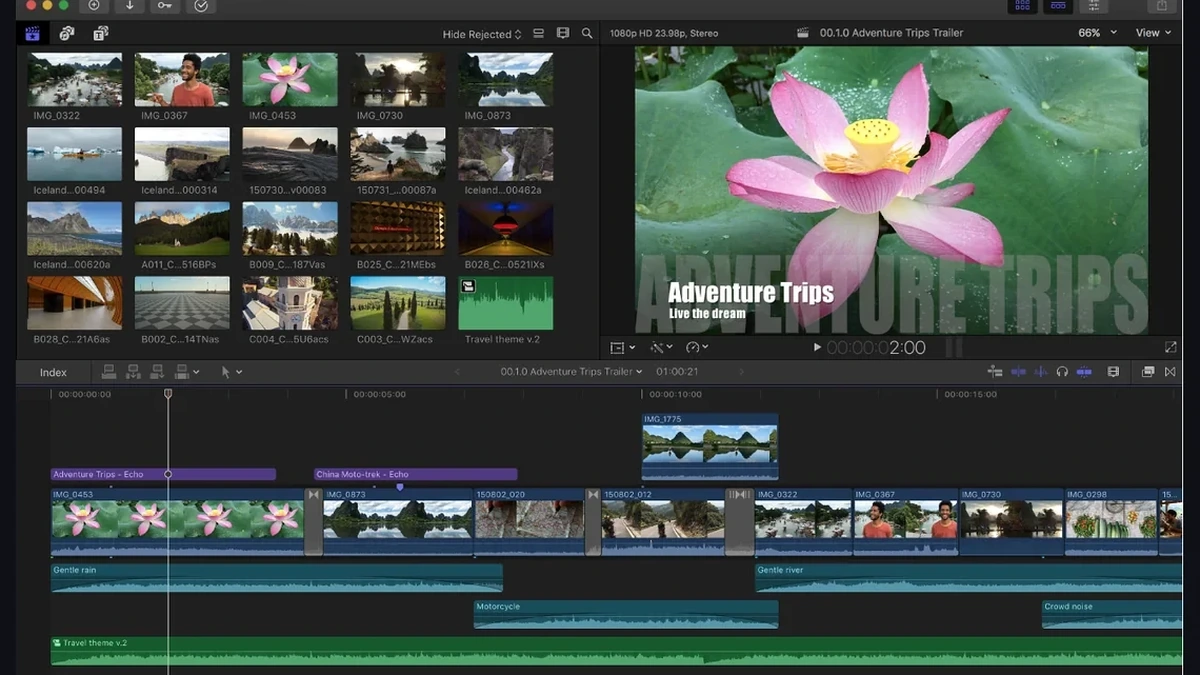
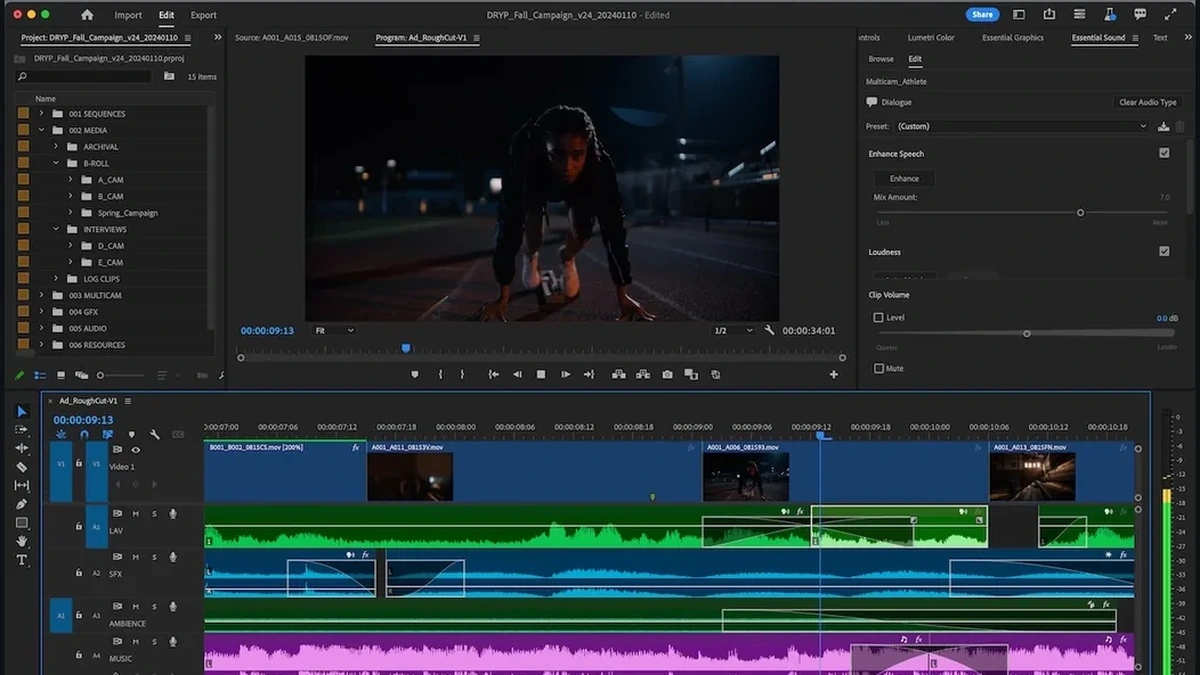
You can spend years in Pro Tools, Logic Pro, Cubase, FL Studio, Ableton Live, REAPER or Fender Studio Pro without discovering half of the useful commands. The same is true of DaVinci Resolve, Fairlight, Final Cut Pro, Avid Media Composer and Premiere Pro: their menus are powerful, but the quickest workflows are not always obvious.
The idea is straightforward: rather than another static PDF, we wanted a more immediate, hands-on way to discover the software. Search for a task — cut, fade, zoom, record-arm, edit point — and the corresponding keys light up. Or start from a key to explore the functions that use it.
Mac or Windows: see the keys, not just their names
Switch between operating systems, keyboard layouts and full-size or laptop keyboards. Browse editing, transport, MIDI, mixing, automation, navigation, video timelines and Fairlight commands. Mouse-and-keyboard gestures are distinguished from direct shortcuts. Mappings may vary with application settings; this is a learning reference, not a substitute for your software’s own shortcuts editor.
For people working across picture and sound
Creative roles increasingly overlap. Video editors prepare audio, composers work to picture, and sound designers move between video timelines and audio workstations. Bringing these tools together makes those transitions a little easier.
Our take
Our approach to teaching is practical: understanding what a command does matters more than memorizing a combination. This interactive keyboard is made for experimentation, from the first day in a new application to refining a professional workflow.
Key points
Choose a command, watch its keys light up, compare Mac and Windows, and browse by task. Audio and video workflows now share one free resource inside STUDIO 2.0 Magazine.
Explore the shortcuts for each application
Each card opens its interactive keyboard: choose a function, compare Mac and Windows, and see the corresponding keys light up.
Audio software
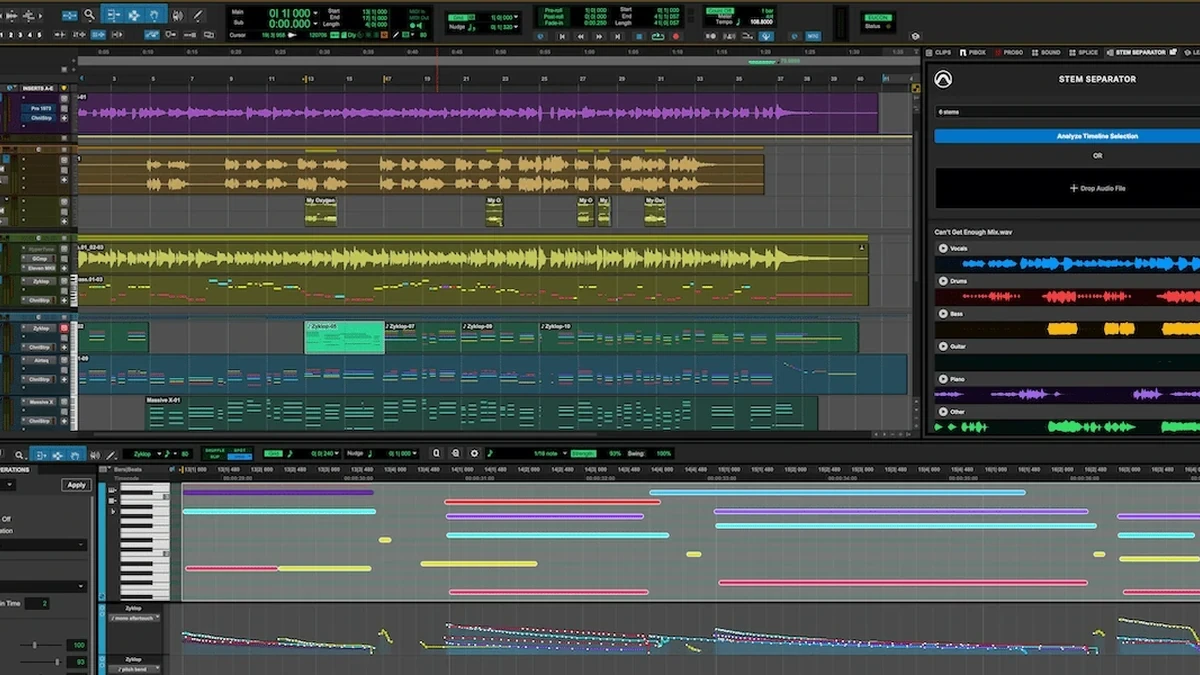 INTERACTIVE KEYBOARDPro ToolsExplore keyboard →
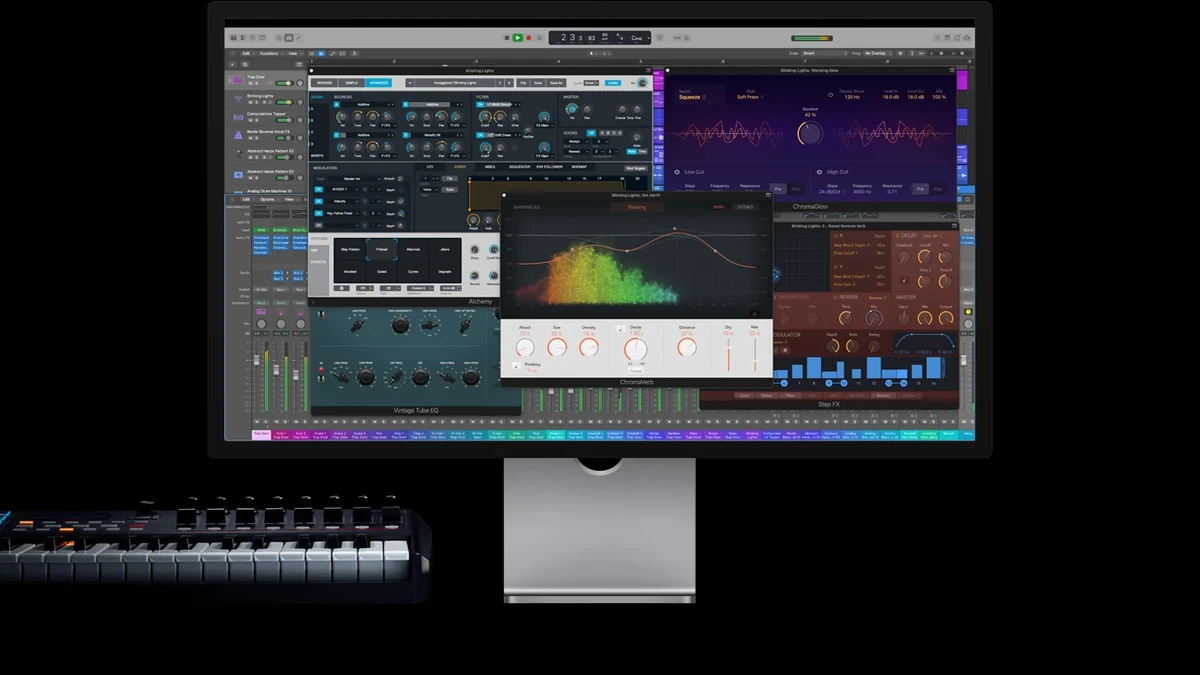 INTERACTIVE KEYBOARDLogic ProExplore keyboard →
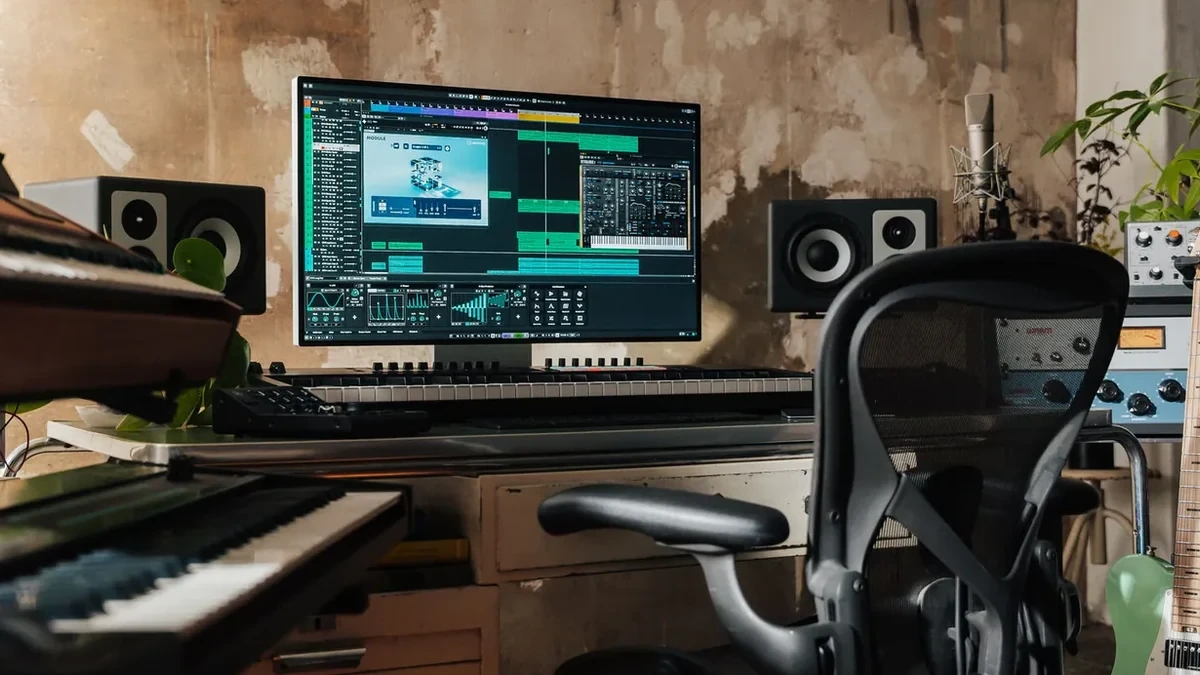 INTERACTIVE KEYBOARDCubaseExplore keyboard →
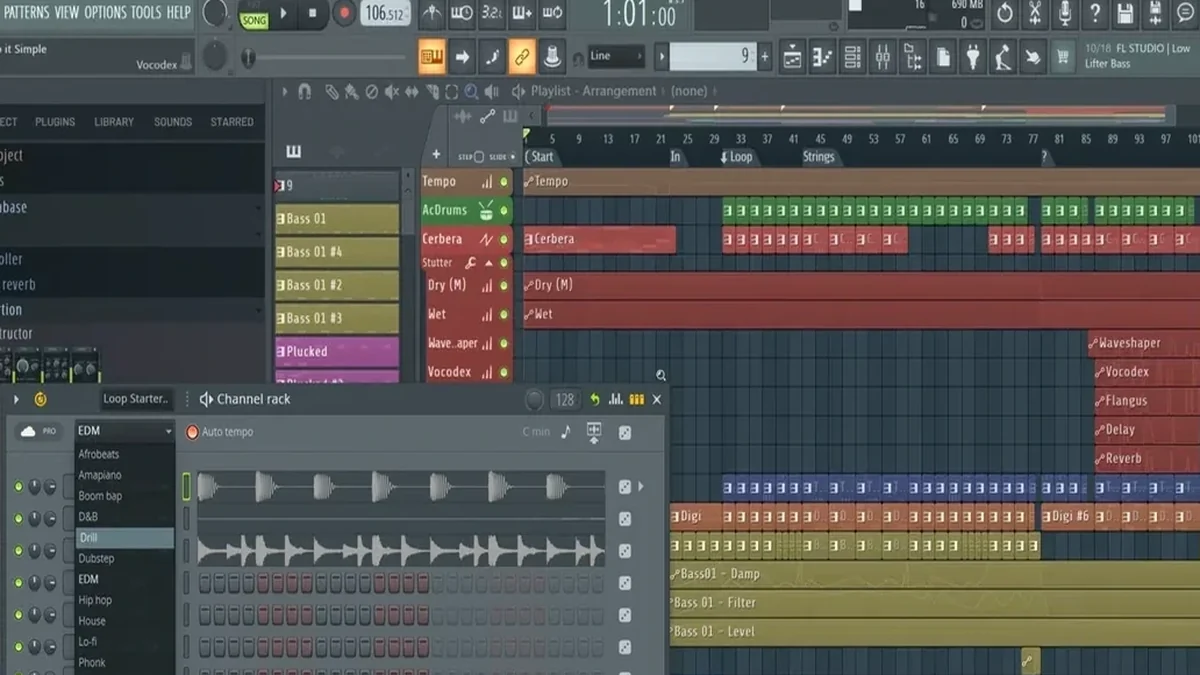 INTERACTIVE KEYBOARDFL StudioExplore keyboard →
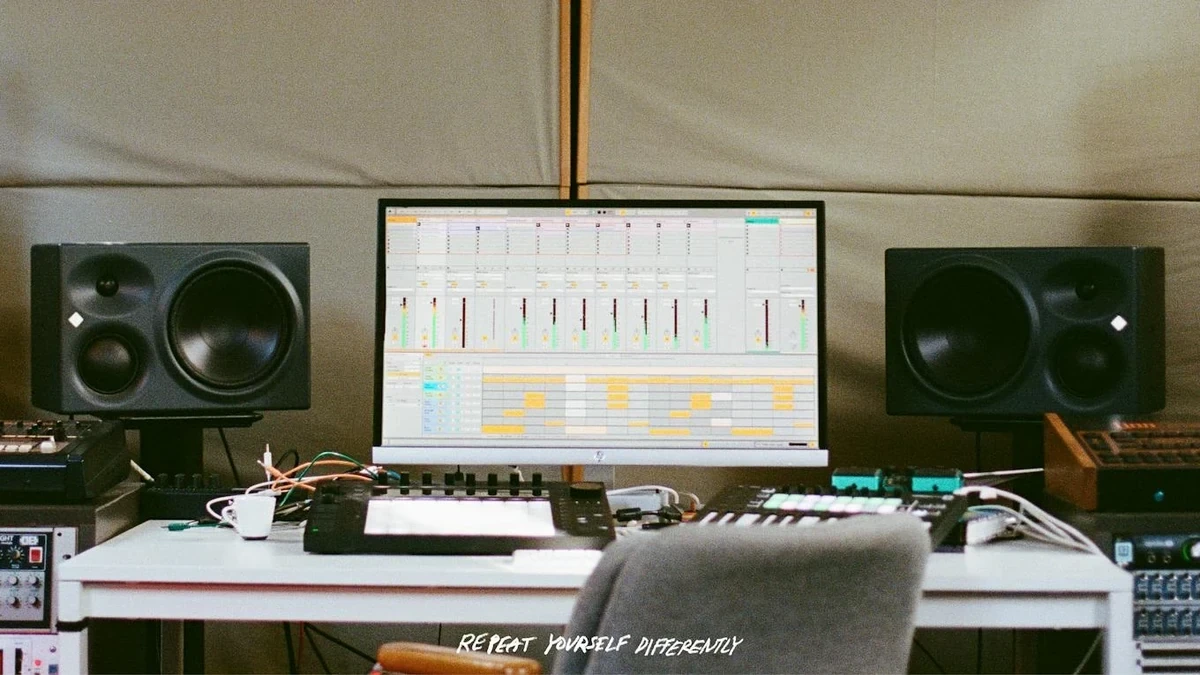 INTERACTIVE KEYBOARDAbleton LiveExplore keyboard →
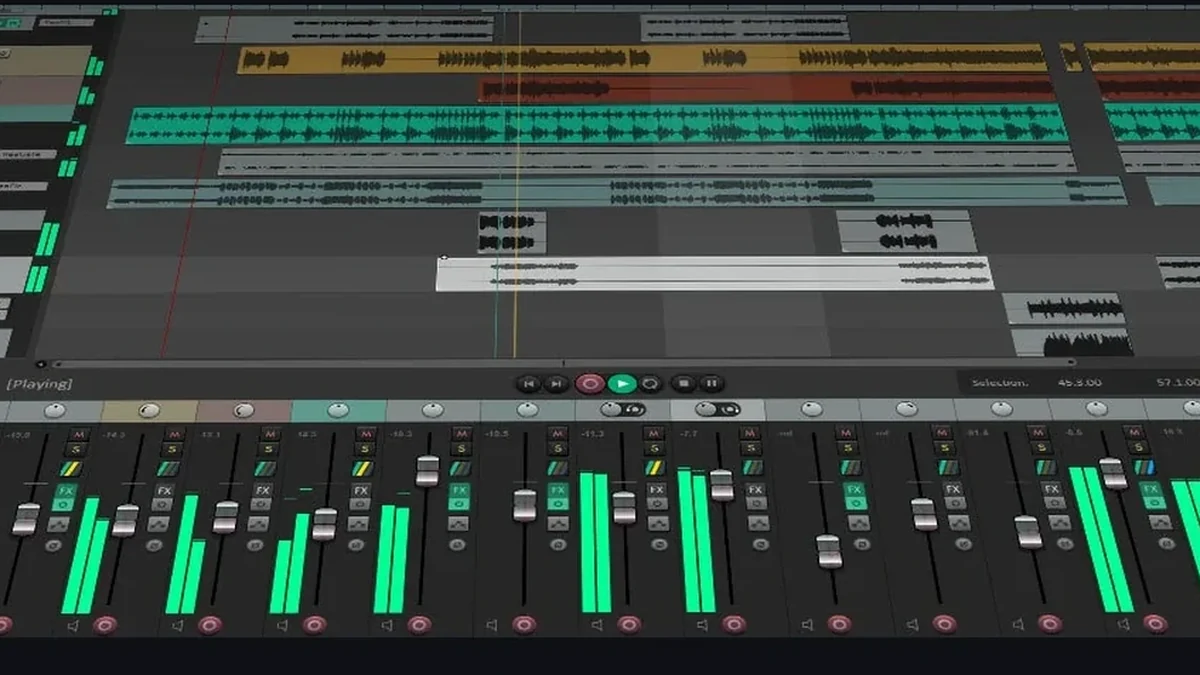 INTERACTIVE KEYBOARDREAPERExplore keyboard →
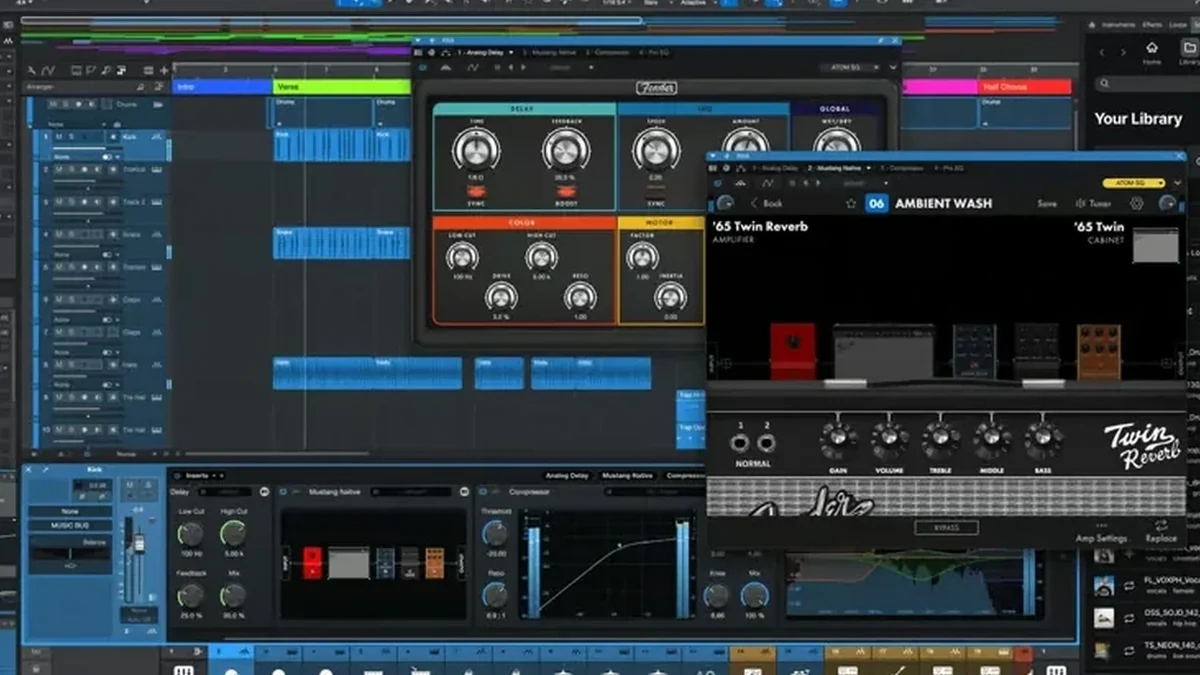 INTERACTIVE KEYBOARDFender Studio ProExplore keyboard →
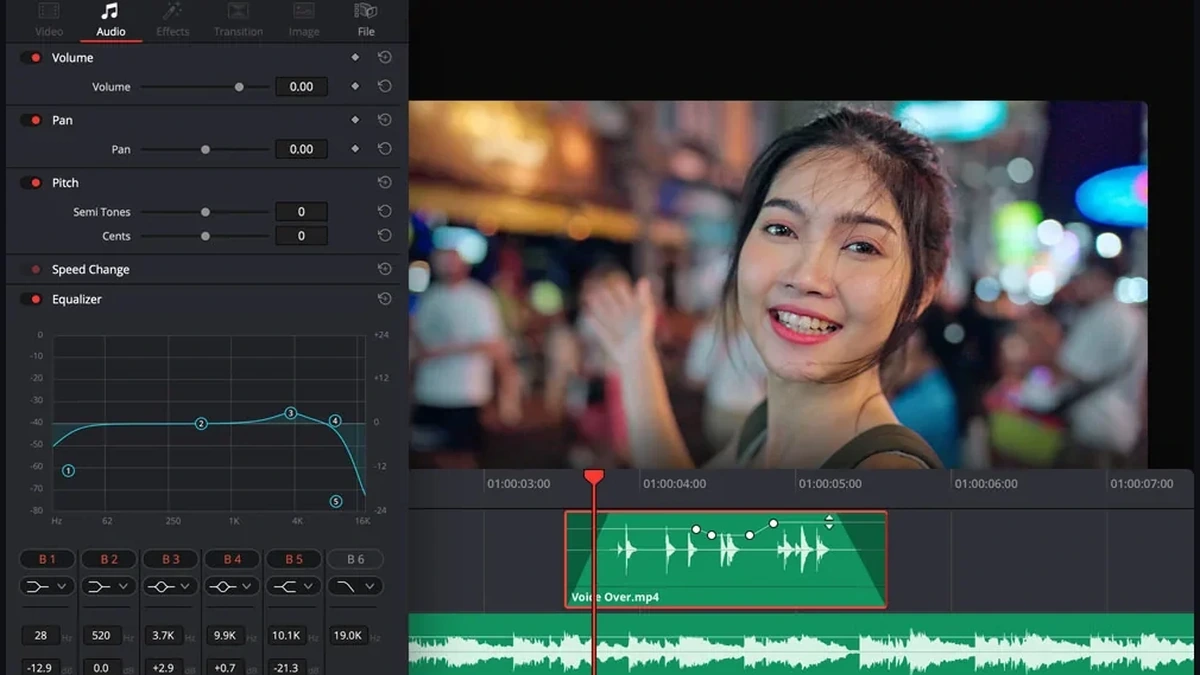 INTERACTIVE KEYBOARDDaVinci FairlightExplore keyboard →
 STUDIO 2.0 · TRAINING · MUSIC PRODUCTIONTake your productions further.DAWs, arranging, synthesis and sound design: develop your methods using your own tracks in personalised one-to-one sessions.ONE-TO-ONE TRAININGEXPLORE MUSIC PRODUCTION TRAINING ↗