All shortcuts — Avid Media Composer
AVID MEDIA COMPOSER · INTERACTIVE KEYBOARD174 · commands and shortcuts
Select a command below: its keys light up here.
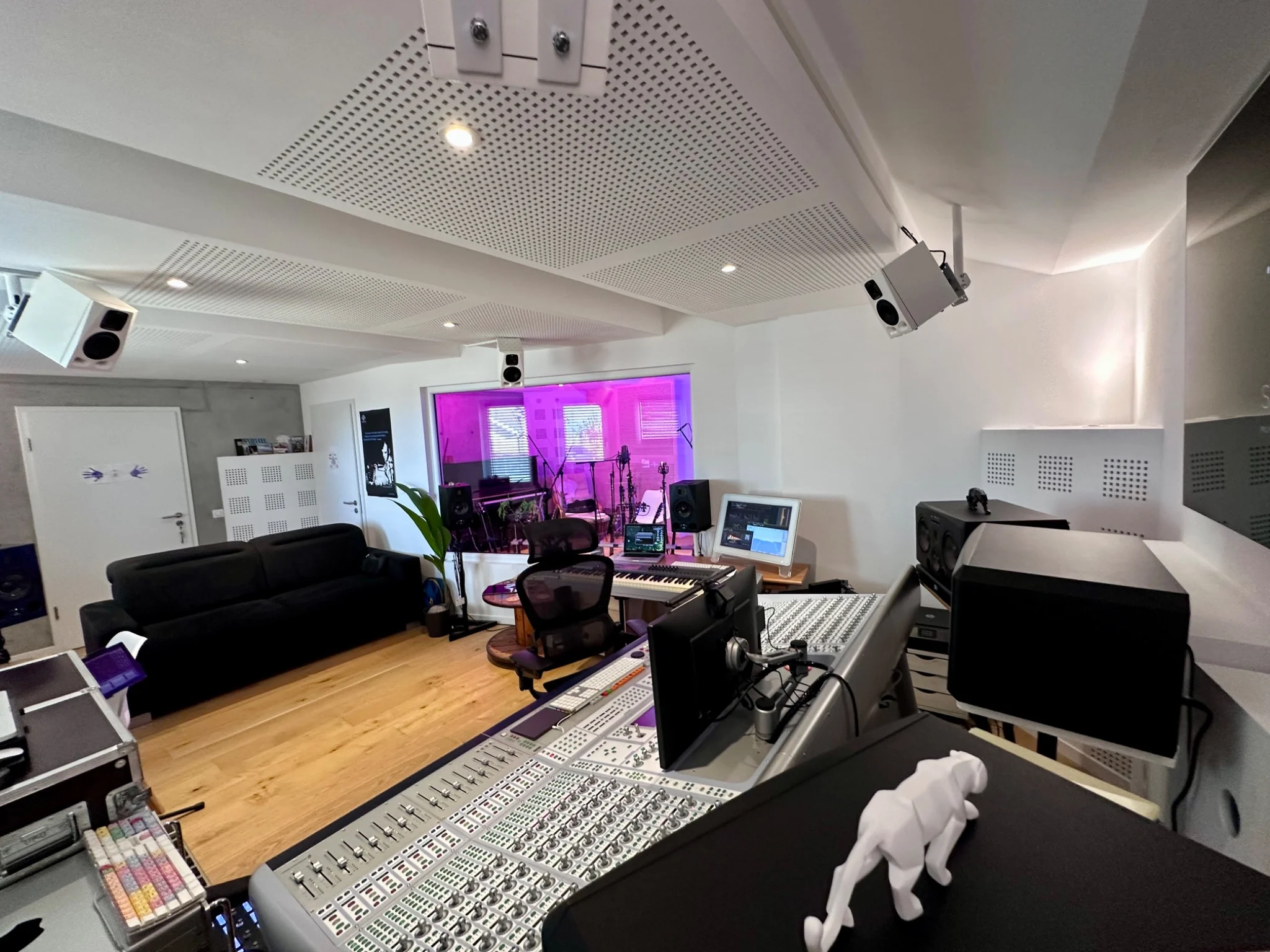
FROM THE EDIT TO THE SOUNDTRACK
Give your picture its own sonic identity.
Original film scores, sound design, audio post-production, stereo, surround 5.1/7.1 and Dolby Atmos mixing. STUDIO 2.0 supports film, animation, commercials and screen-based productions.
DISCUSS A PROJECT →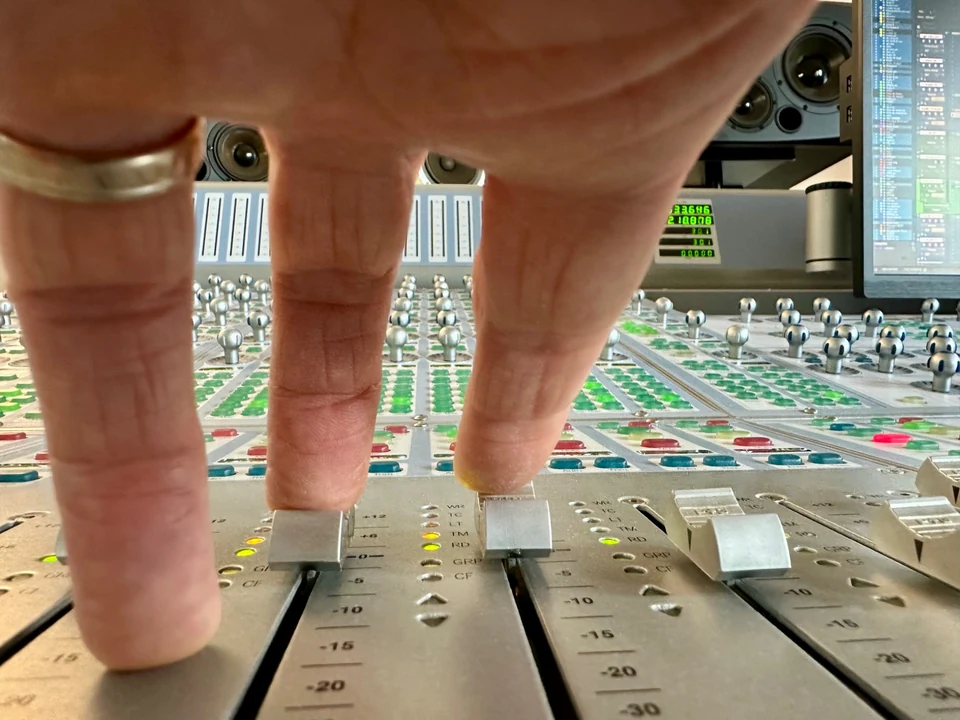
ONE-TO-ONE TRAINING
One-to-one audio-for-picture training
Tailored coaching for editors, directors and picture professionals: production sound, sound editing, Fairlight, mixing, music and delivery.
EXPLORE TRAINING →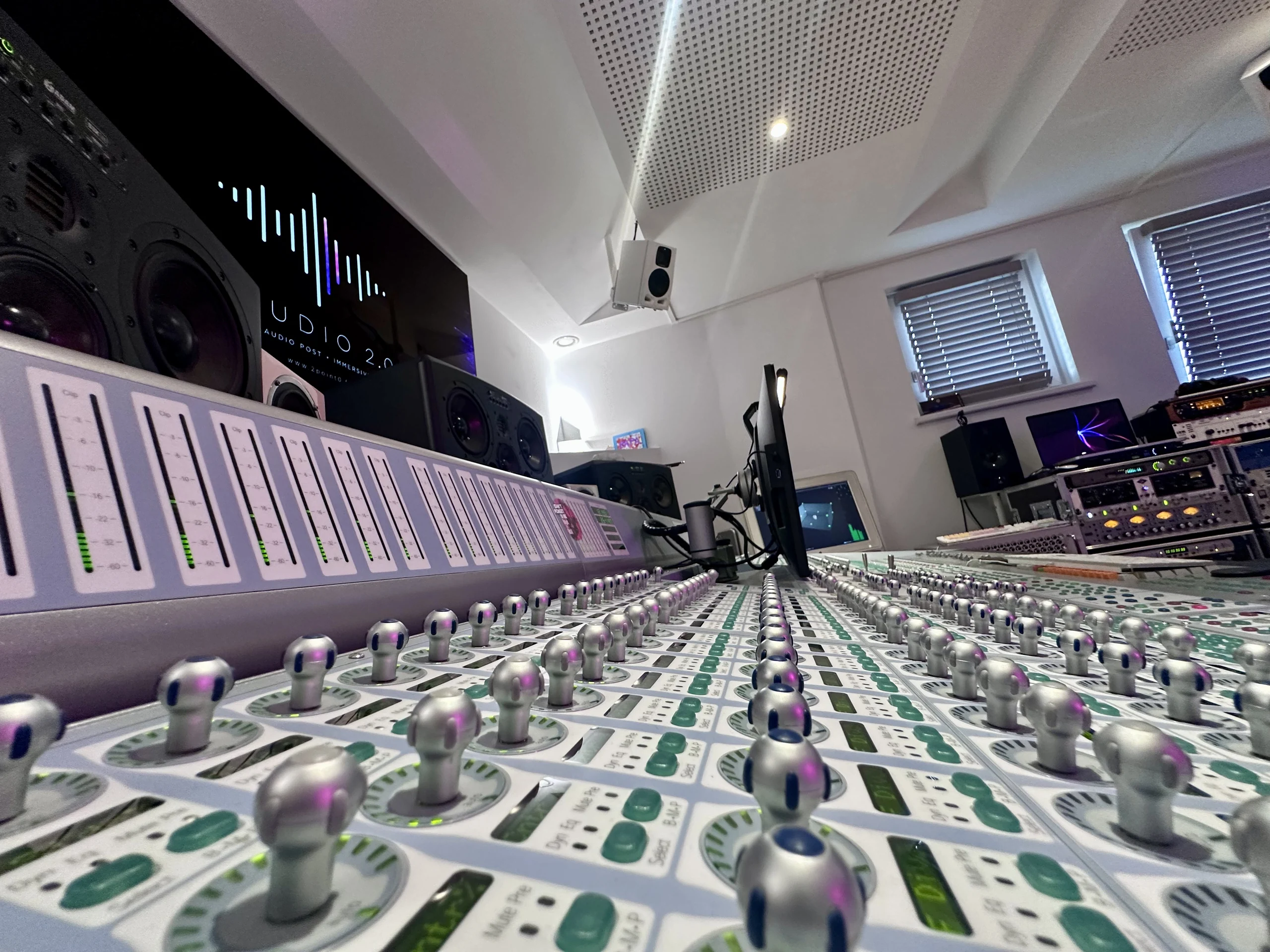
STUDIO 2.0 · IMMERSIVE MIXING
Need a surround or Dolby Atmos mix for your music?
Film scores or artist projects: bring your music to a studio specialising in 5.1, 7.1 and Dolby Atmos.
Browse commands by category
Avid Media Composer · 174 commands and shortcuts. Assignments vary with the active panel, keyboard layout and custom preferences.
Navigation and saisie in the interfaces · 16Projects, Windows and bins · 12Playback, transport and Navigation · 27Capture, logging and contrôle of · 18Points IN/OUT, recherche, Markers · 19Editing and timeline · 14Trim, slip, slide and déplacement · 5Audio, gain and images-clés (Keyboard) · 18Keyboard and Mouse : interface, Navigation, · 10Keyboard and Mouse : timeline, trim · 21Keyboard and Mouse : audio and images-clés · 14