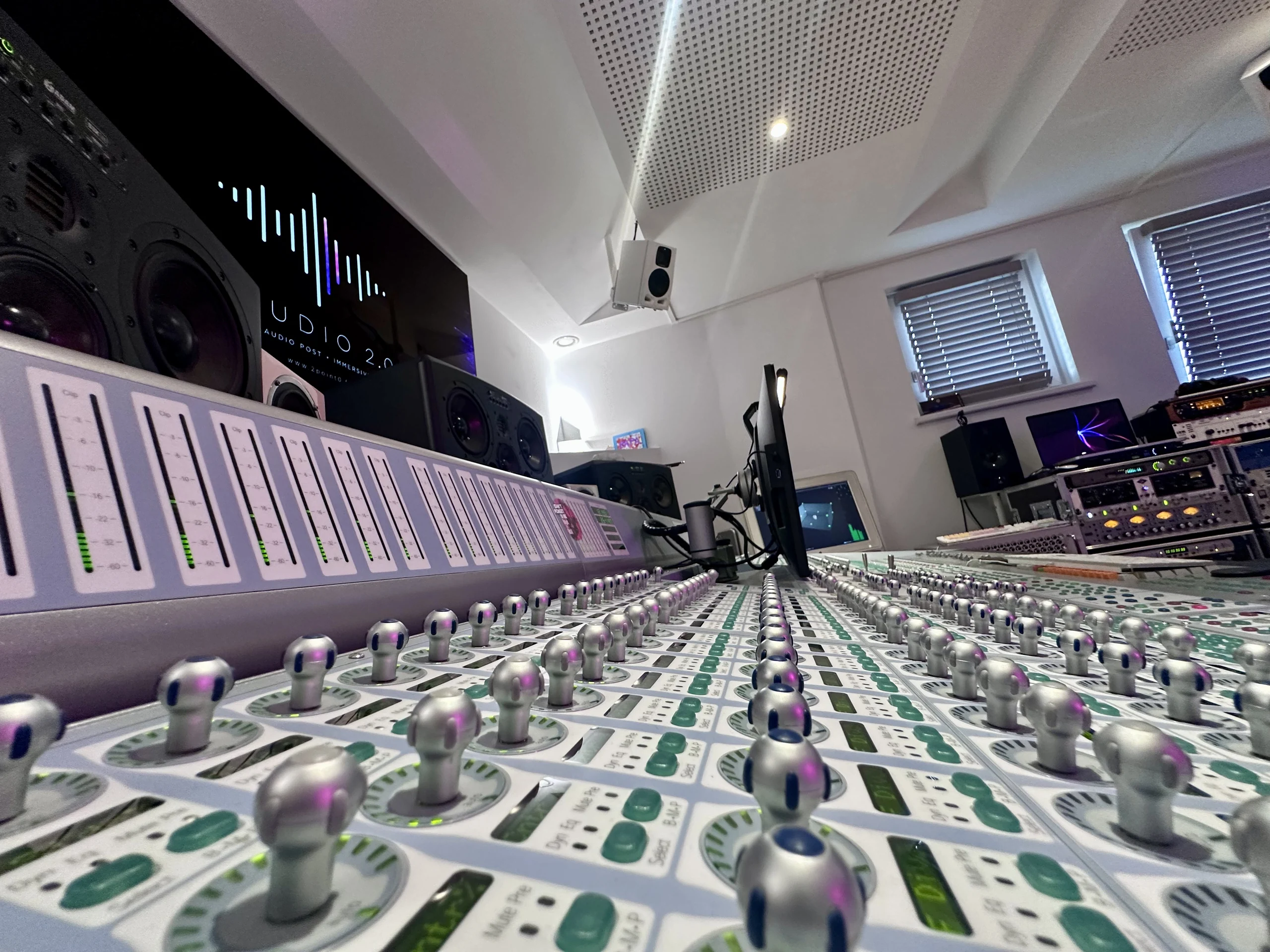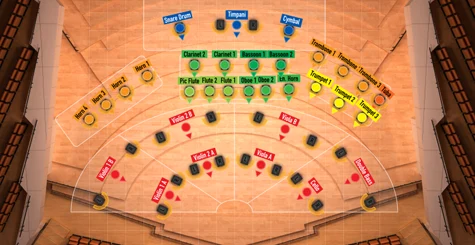
Virtual Sound Stage Free Legacy Edition models direct sound and early reflections for coherent instrument placement.
Placement before reverb
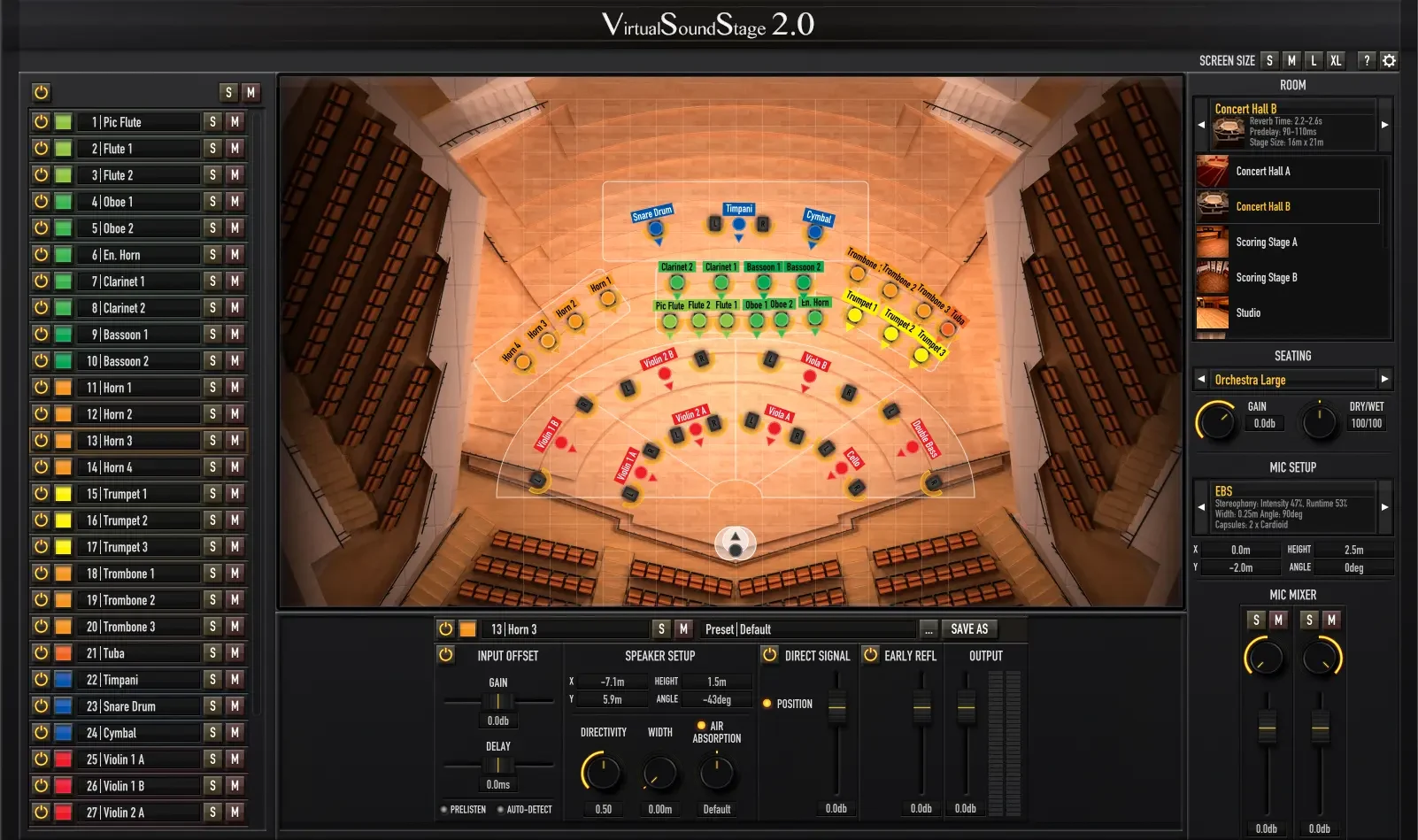
Virtual Sound Stage models the relationship between source, microphones and room. Rather than simply adding an identical reverb tail to every track, it alters direct sound and early reflections according to position. This is particularly interesting for separately recorded or close-miked instruments.
A shared stage across instances
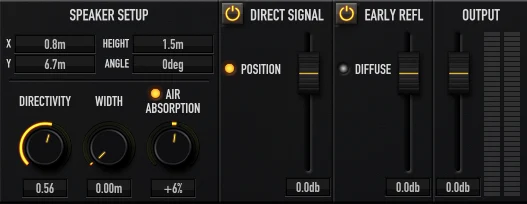
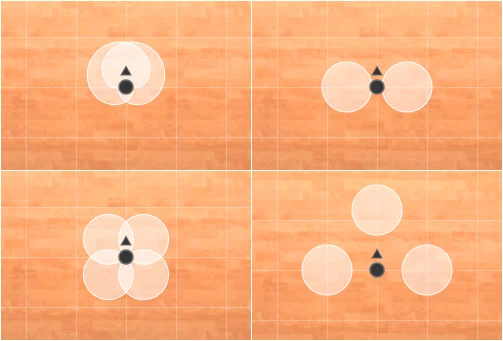
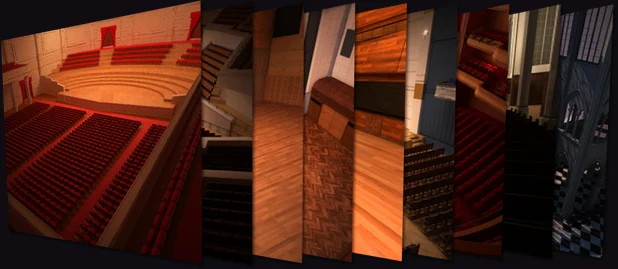
Control instances through one interface. Position sections in a virtual room, choose microphone setups and adjust the stereo image. Available spaces include concert halls, studios, scoring stages and cathedrals. A chamber and a large hall produce different reflections; compare at a matched signal level.
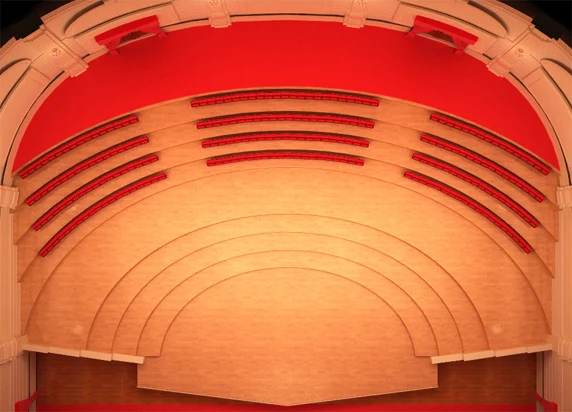
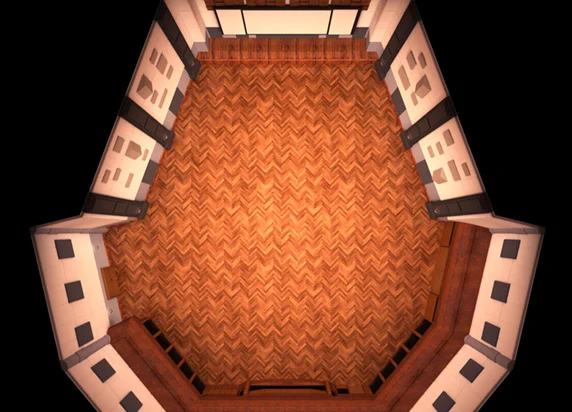
Building convincing depth
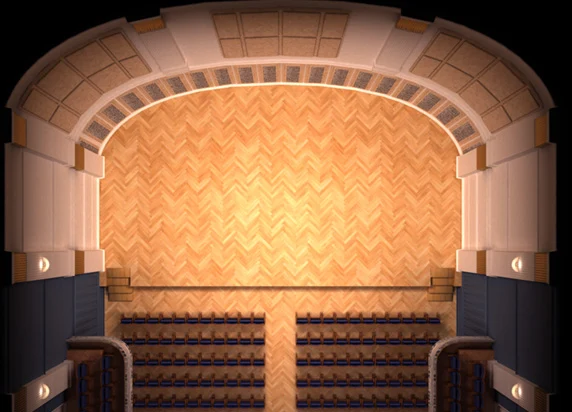
Start a virtual orchestration with a few instruments in the same space. Check width, distance and mono compatibility before adding a downstream reverb. If samples already have strong room character, apply the effect carefully to avoid mixing incompatible acoustic spaces.
Genuinely free, modern formats
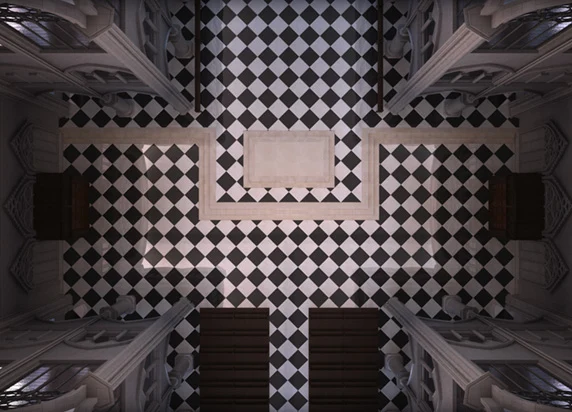
Version 2.0.4 Free Legacy Edition is advertised without restrictions and permits commercial use. Intel and Apple Silicon Mac: VST3, AU, AAX; Windows x64: VST3 and AAX. It is not a Dolby Atmos renderer: its purpose is acoustic spatialisation. The developer does not offer individual support for the legacy edition; download it and consult the documentation.
Frequently asked questions
Is it free or a timed trial?
The editions discussed here are offered free of charge. Check the developer’s download terms and technical requirements.
What should I check before installing?
Check your operating system, your DAW’s supported formats and any required account or player.
Direct access to the developer: downloads, compatibility and documentation.
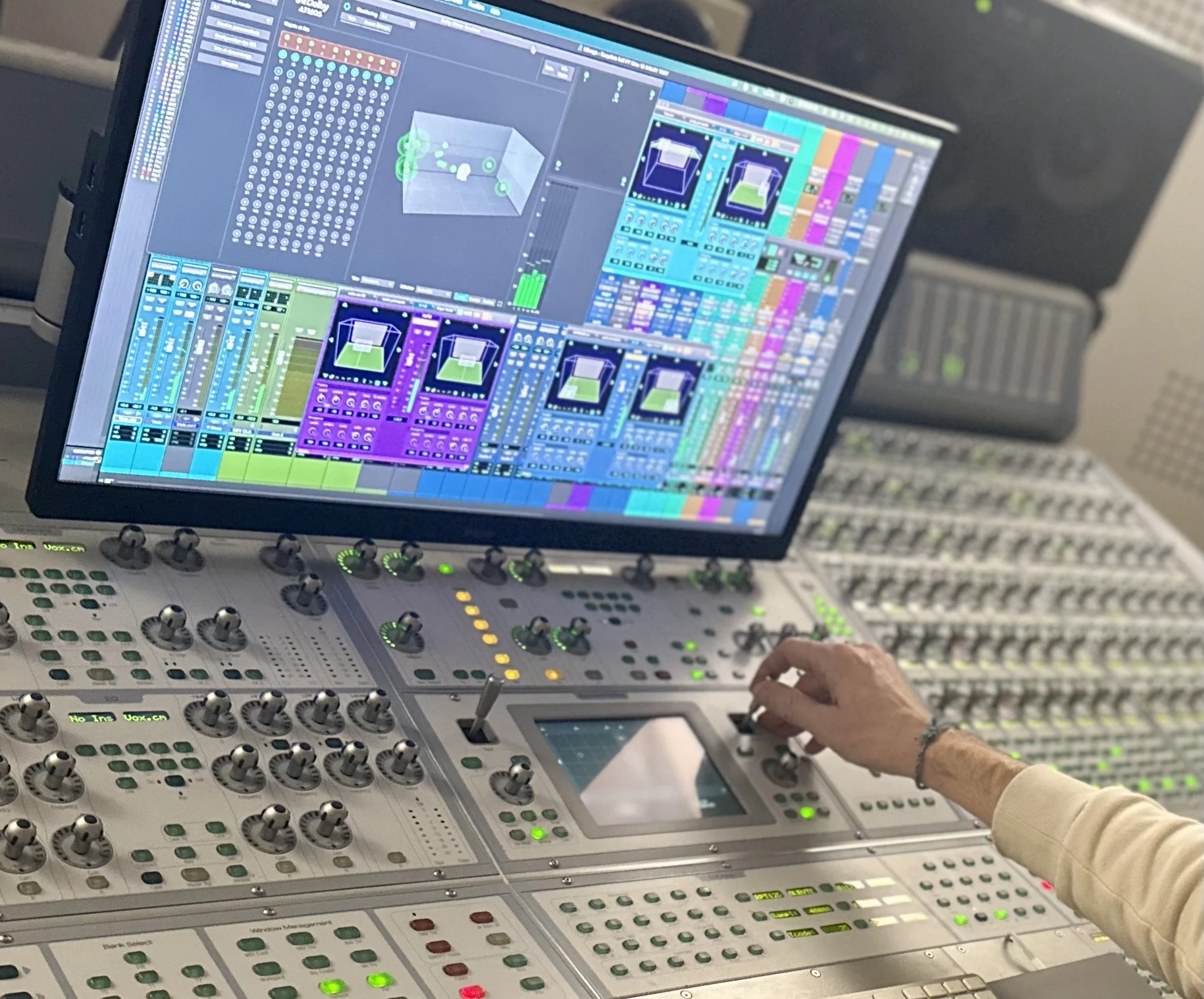 STUDIO 2.0 · SURROUND MIXINGGo further with surround mixing.Master 5.1 and 7.1 mixing with personalised training on a real multichannel studio system.ONE-TO-ONE TRAININGEXPLORE SURROUND MIXING TRAINING