Control stereo imaging, phase and transients with two free tools from FLUX:: Immersive.
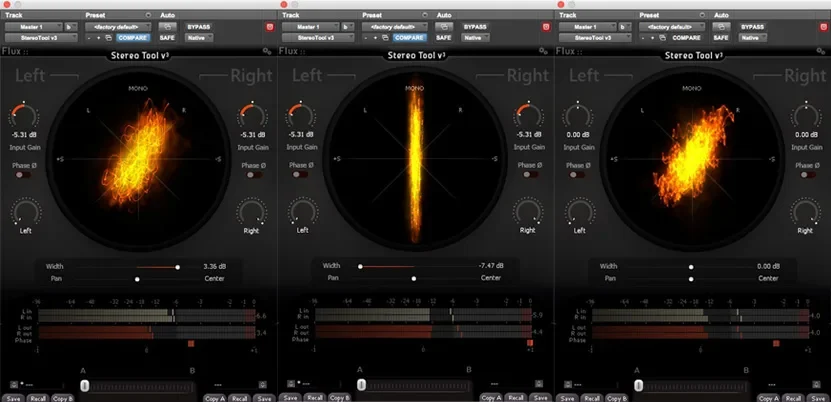
Stereo Tool: look as well as listen
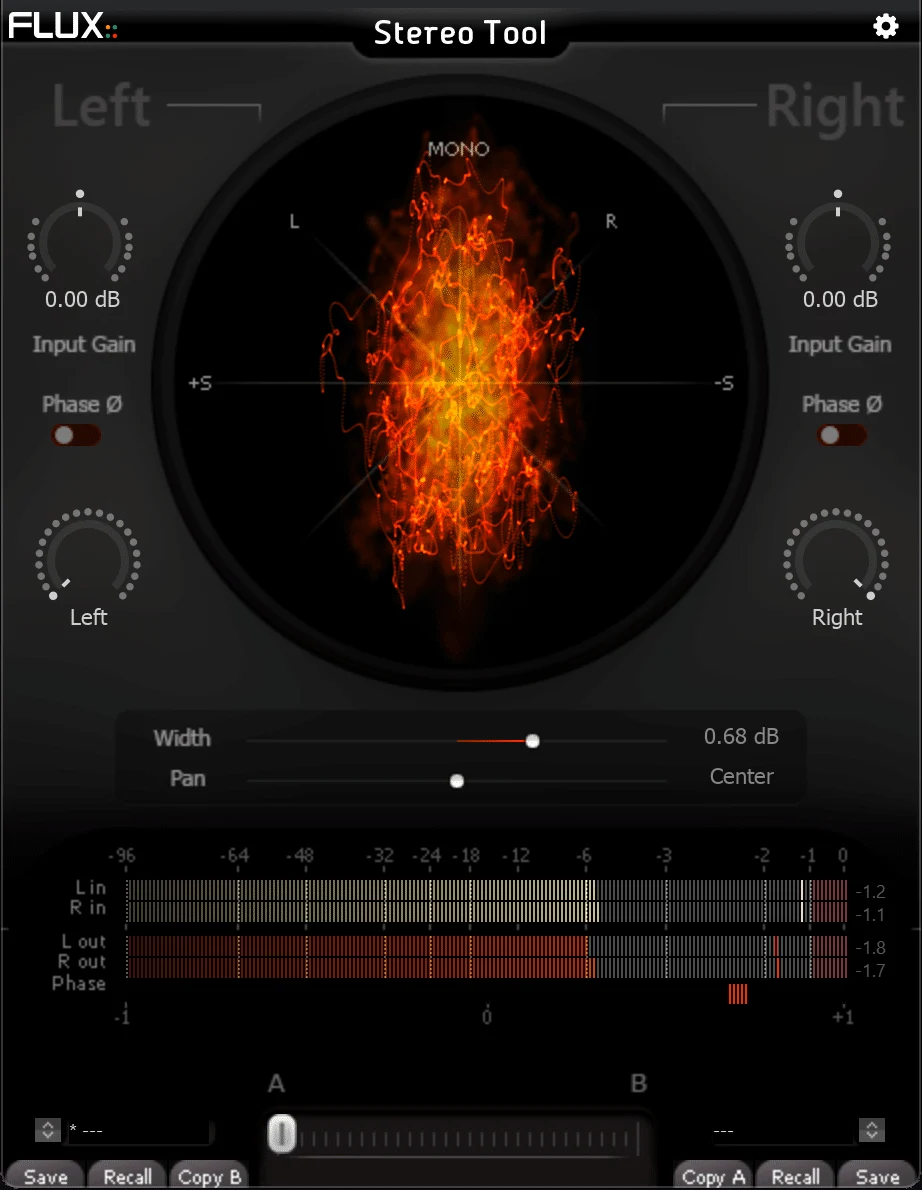
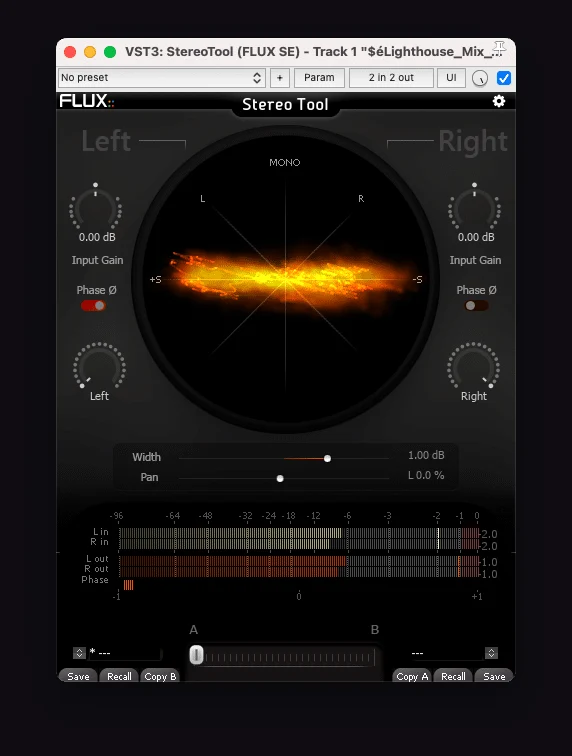
Stereo Tool combines independent left/right gain and panning, polarity reversal, width, global pan, level meters, a correlation meter and vectorscope. On piano recordings or a microphone pair it helps assess balance and image coherence. Polarity reversal is not the same as correcting time delay.
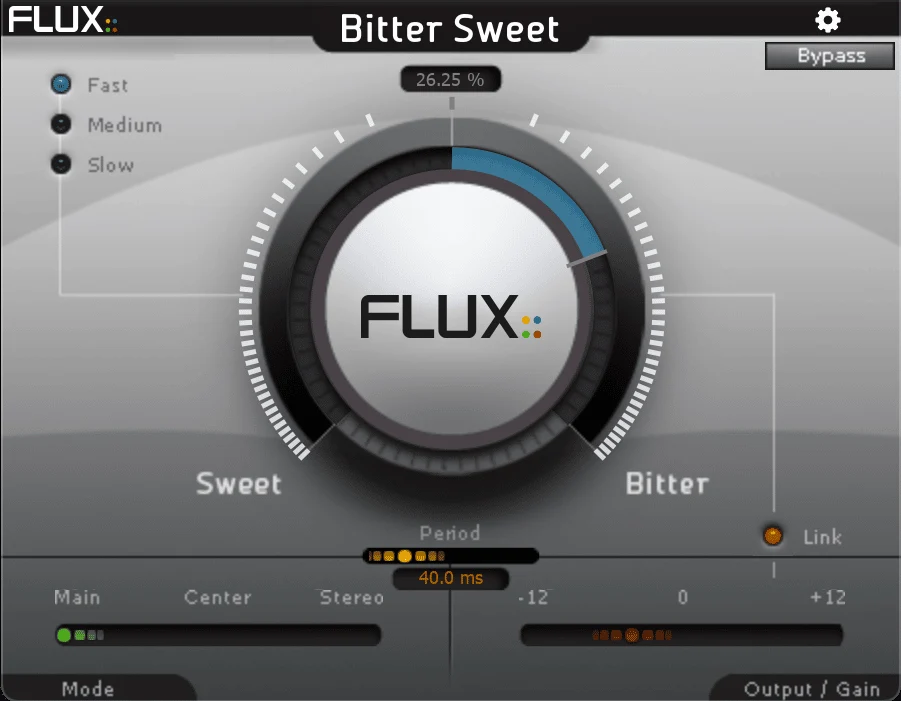
BitterSweet: shape the transient
Turning towards Bitter strengthens attacks; Sweet reduces them. Integration and period settings adapt detection to the signal. Try a little Bitter on a snare or Sweet on an overly aggressive acoustic guitar without simply removing all the high frequencies.
Mid, side and multichannel

Main, Center and Stereo modes allow whole-signal or separate Mid/Side processing. FLUX:: lists up to 16 channels for BitterSweet, with Main used for multichannel operation. This does not make Stereo Tool an Atmos panner: the two plug-ins perform distinct tasks. Check the formats and routing available in your host.
Validate in context
Compare at matched loudness, listen in mono and return to the full mix. Stereo Tool is useful for diagnosing an image and BitterSweet for shaping envelopes. Download both from FLUX:: and check version requirements before installation.
Frequently asked questions
Is it free or a timed trial?
The editions discussed here are offered free of charge. Check the developer’s download terms and technical requirements.
What should I check before installing?
Check your operating system, your DAW’s supported formats and any required account or player.
Direct access to the developer: downloads, compatibility and documentation.
 STUDIO 2.0 · SURROUND MIXINGGo further with surround mixing.Master 5.1 and 7.1 mixing with personalised training on a real multichannel studio system.ONE-TO-ONE TRAININGEXPLORE SURROUND MIXING TRAINING