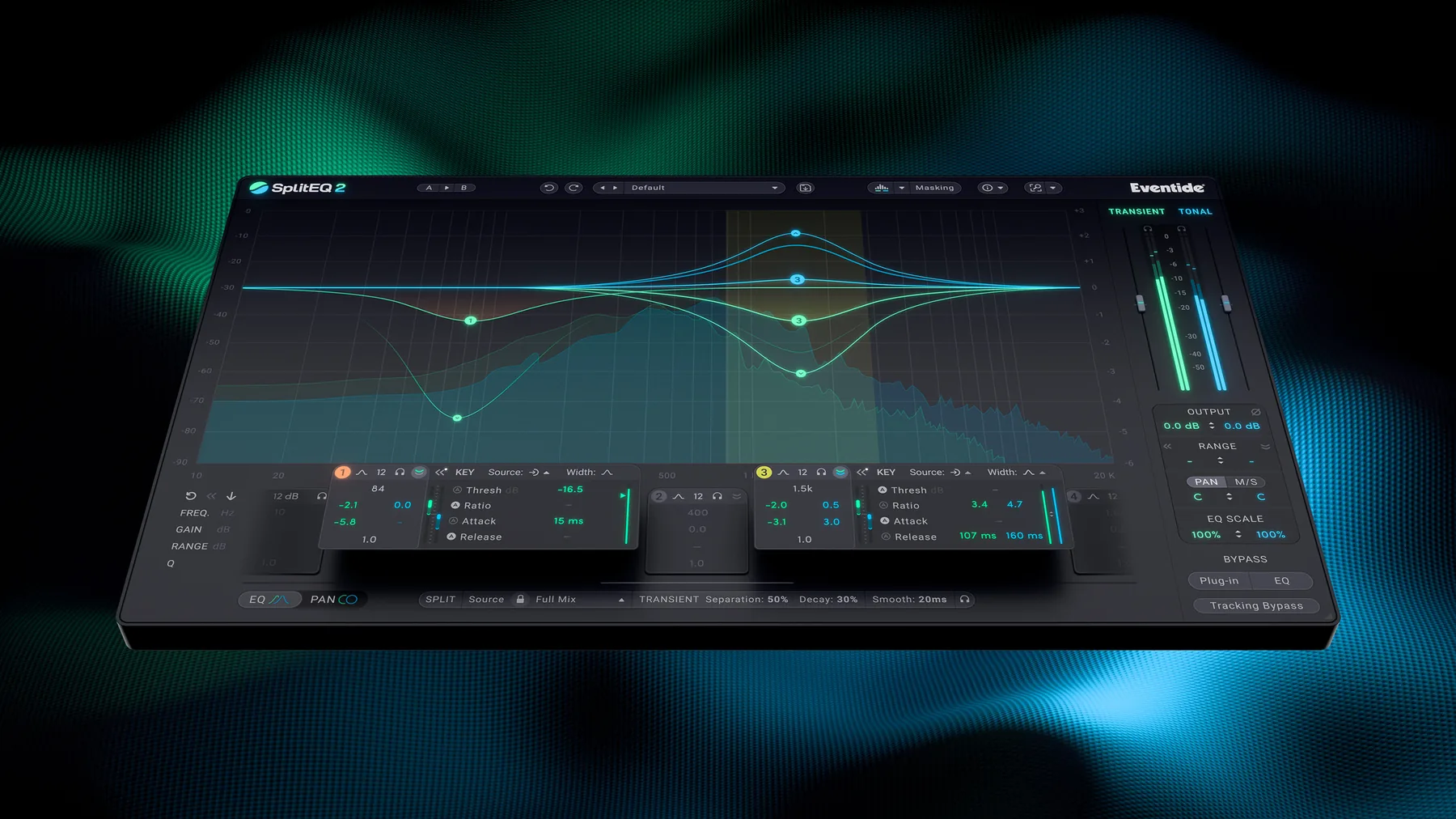
Eventide has expanded SplitEQ into a more ambitious second generation with dynamic processing, masking analysis and precise stereo controls. We use the original regularly at STUDIO 2.0. The real question is whether the upgrade is worth paying for when Pro-Q 4 is already part of the toolkit.
Why the original SplitEQ stands apart
SplitEQ’s Structural Split technology separates the transient part of a signal — the crack of a snare or the pick attack of a guitar — from its sustained tonal component. You can address a troublesome resonance without automatically reshaping the attack. That distinction is exactly why we reach for the original on difficult individual tracks.
Of course, separating a sound into more controls does not guarantee a better mix. We still judge every adjustment in context, not only with a track soloed.
What SplitEQ 2 actually adds
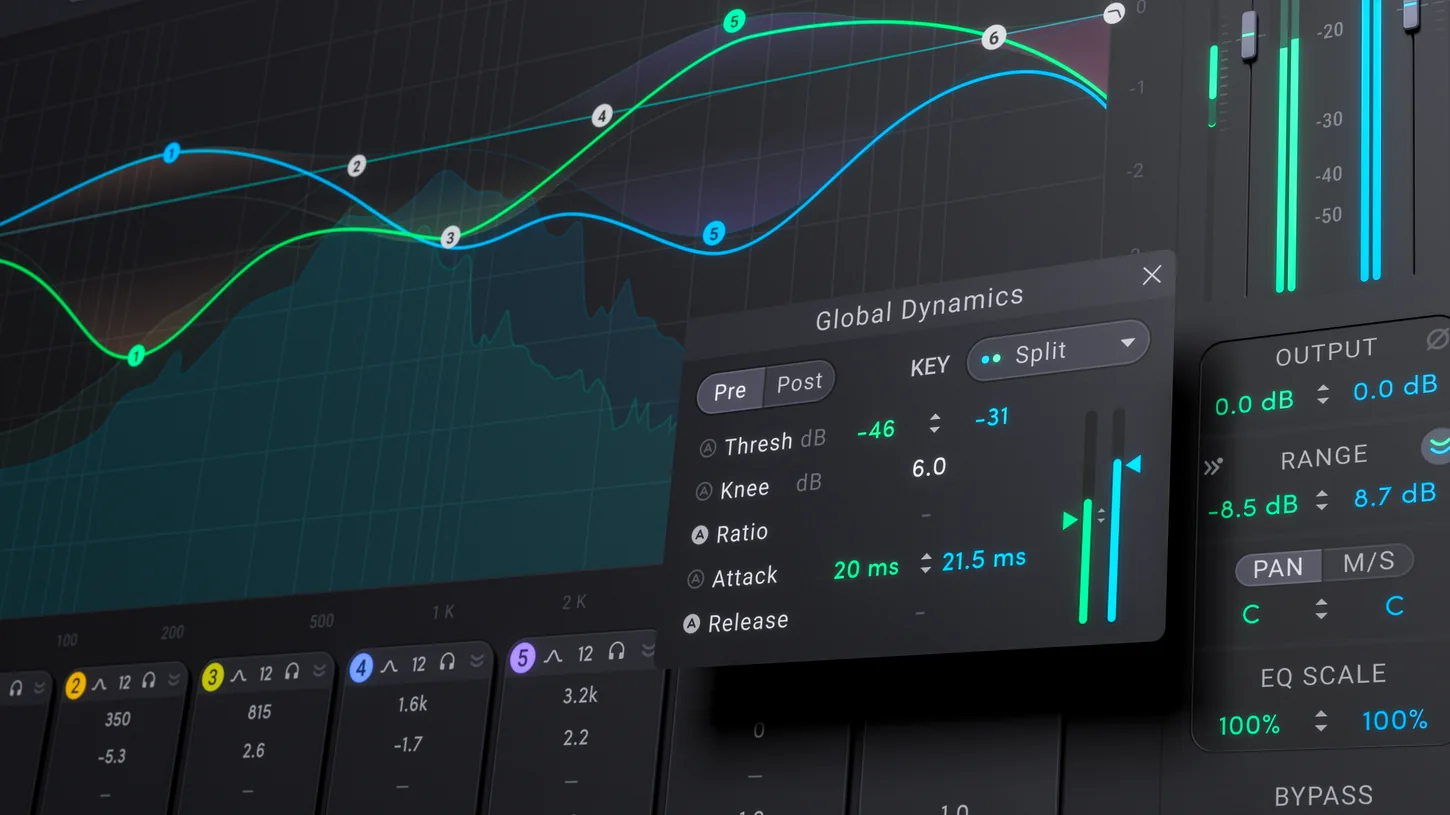
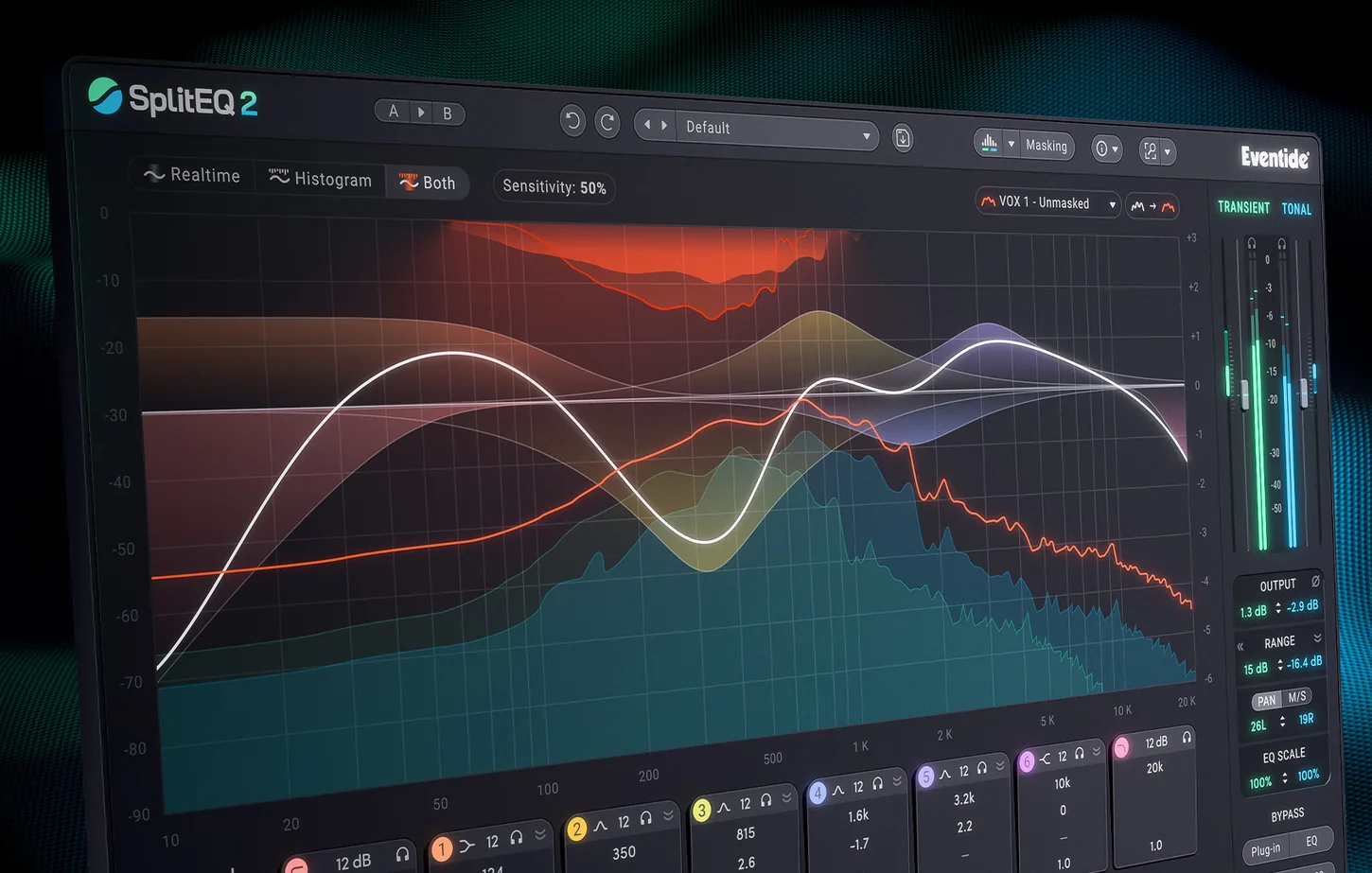
The second version introduces six dynamic bands that can compress or expand transients and tonal content independently, plus a Global Dynamics section that can sit before or after the rest of the processing. Eight EQ bands gain more advanced stereo placement. A masking display, additional source profiles and sidechain choices round out the upgrade.
This could amount to more than another dynamic EQ: controlling the decay of a resonance without sacrificing an initial hit is a genuinely specific task. We want to hear how much further version 2 takes it.
A session-wide workflow that feels familiar
A new Tracking Bypass temporarily disables SplitEQ 2 processing across all instances for recording, then restores the mix settings. It recalls the broader multi-instance workflow explored by FabFilter, although the two products approach different tasks.
It is potentially useful in a busy recording template. Still, an elegant workflow alone is not enough reason to purchase another licence upgrade.
Against Pro-Q 4, and the Dolby Atmos question
FabFilter Pro-Q 4 already offers sophisticated dynamic and spectral EQ, Mid/Side processing, instance management and native surround support up to Dolby Atmos 9.1.6, depending on the host. That last point matters enormously to us when working in multichannel sessions.
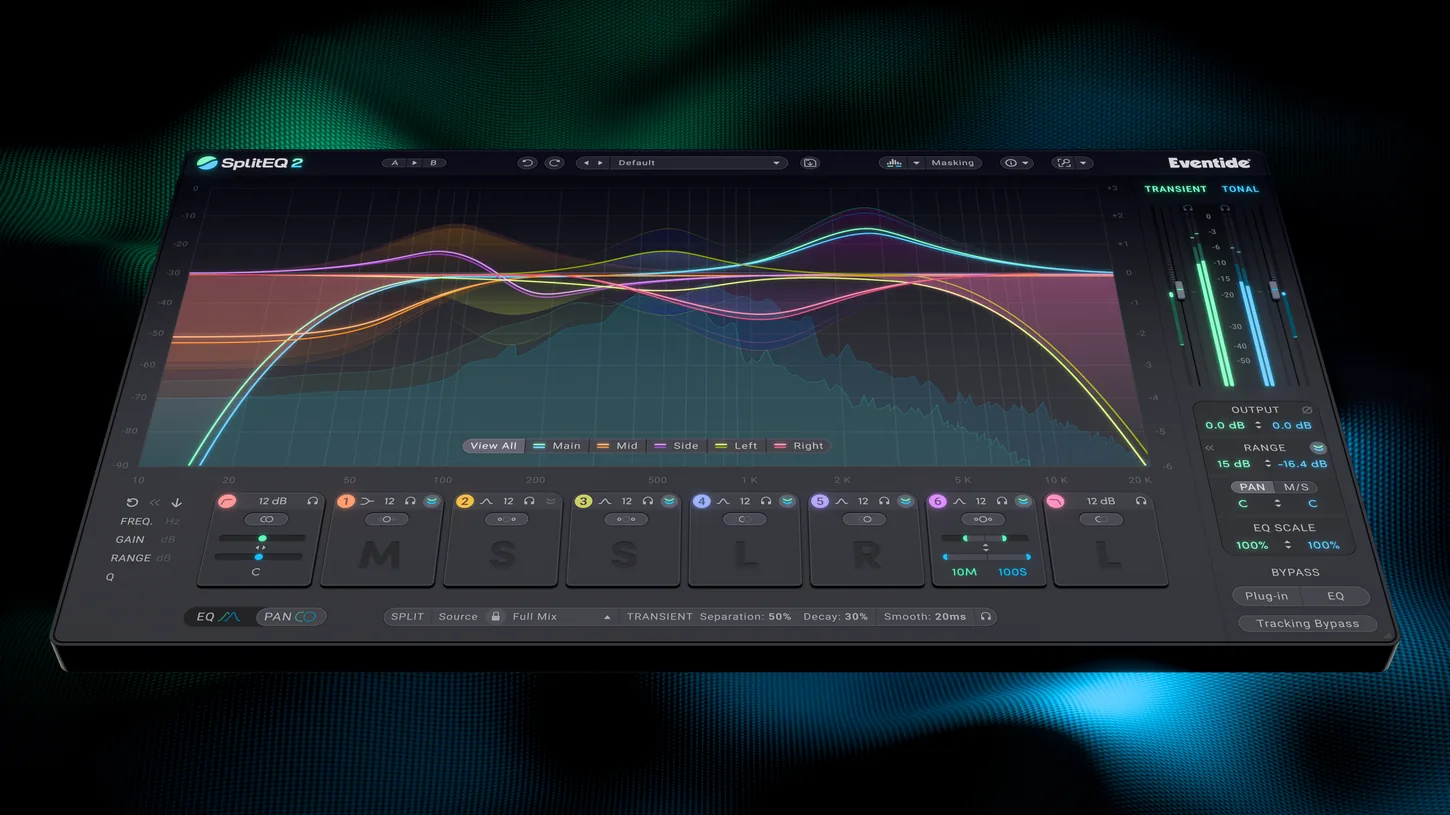
SplitEQ 2’s transient/tonal separation remains a different approach, not something to dismiss as duplicated functionality. Eventide’s published specification focuses on mono/stereo tools, however; we would test native immersive behavior in Pro Tools rather than assume it matches Pro-Q 4.
Why we keep coming back to Eventide
We own the Eventide plug-in collection and regularly use it for both mixing and creative sound design. The immersive versions of Blackhole and MicroPitch are particular favorites in our multichannel work. We genuinely rate the company’s effects highly.
That makes the upgrade pricing more frustrating: for existing customers, it feels uncomfortably close to the original plug-in’s launch price. When the first SplitEQ still works well and our FabFilter collection covers so much ground, we need an audible reason to upgrade.
Our take: the trial comes first
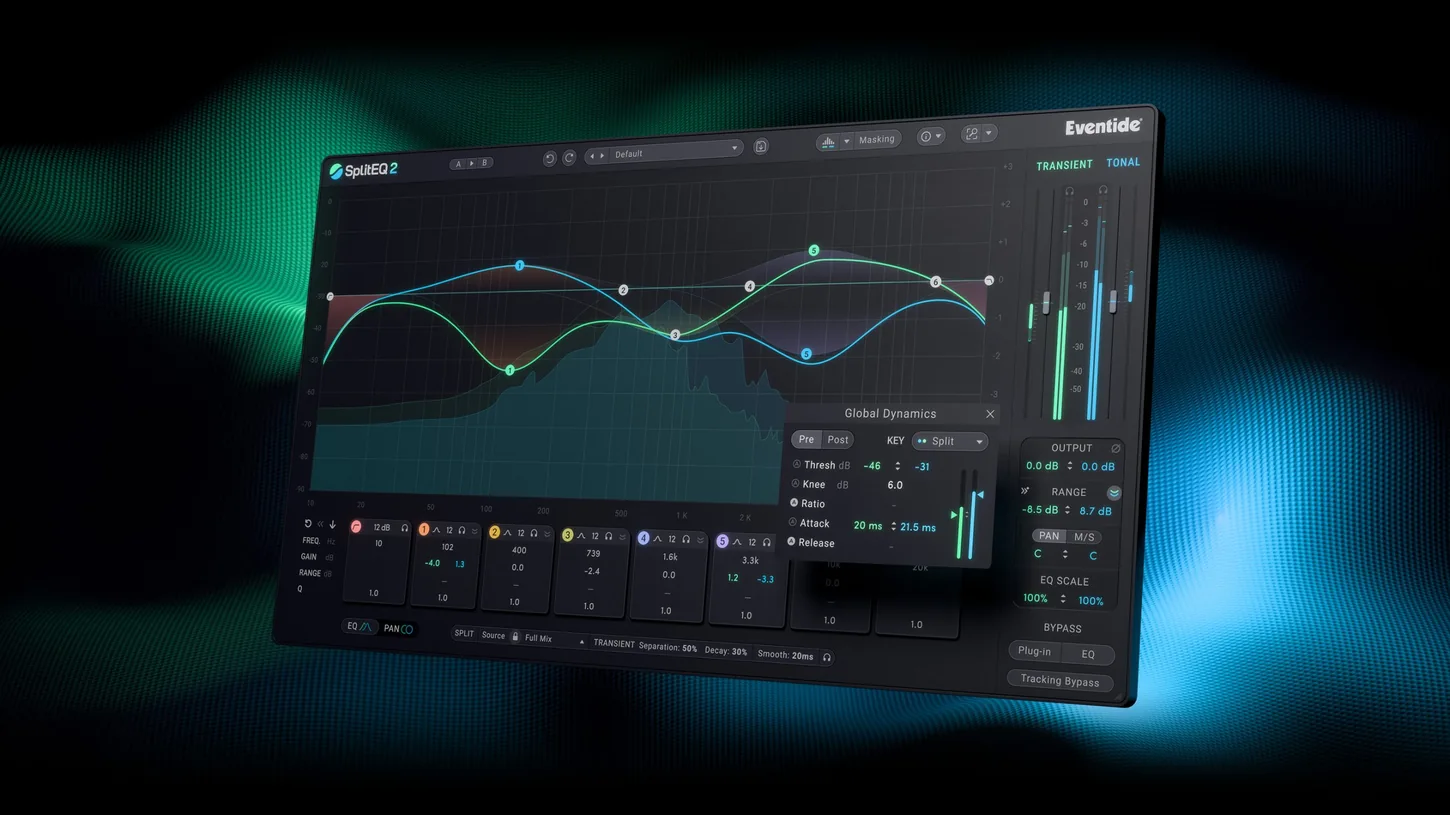
We intend to compare the new dynamics on snare resonances, aggressive guitar tracks and difficult vocals, while keeping an eye on masking, latency, CPU use and multi-instance workflow.
We have not yet put SplitEQ 2 through a studio session. The sensible next step is Eventide’s 14-day trial; only an actual A/B comparison can tell us whether the upgrade earns its place.
Key takeaways
A distinctive processor that now goes further into dynamic and stereo control. An interesting new purchase, but an upgrade that owners of version 1 and Pro-Q 4 should audition carefully before paying for.
SplitEQ 2 on video
Watch the official SplitEQ 2 presentation.
Also read our coverage of mixing and music-production tools.
Product details and specifications on the official website.
 STUDIO 2.0 · TRAINING · MUSIC PRODUCTIONTake your productions further.DAWs, arranging, synthesis and sound design: develop your methods using your own tracks in personalised one-to-one sessions.ONE-TO-ONE TRAININGEXPLORE MUSIC PRODUCTION TRAINING ↗